Finding the best affordable tablets for school doesn’t have to be a struggle. Our guide highlights essential student picks that balance cost, performance, and key features, ensuring you get reliable tech without breaking the bank. Discover smart choices for every student need!
Heading back to school, or starting a new academic journey? You’re probably thinking about all the supplies you’ll need: notebooks, pens, textbooks, and of course, a reliable device for research, writing, and staying connected. Owning a tablet can make school life so much easier. Imagine having all your notes, assignments, and learning resources in one light device! But when you look at the prices, it can feel like another thing on the “can’t afford” list. Don’t worry, though. There are fantastic, budget-friendly tablets out there that are perfect for students. We’re here to help you navigate the options and find the best affordable tablets for school. Let’s dive into what makes a tablet great for students and explore some top picks!
Why a Tablet is a Smart Student Investment

Tablets have become incredibly popular for students, and for good reason. They sit in a sweet spot between a smartphone and a laptop, offering unique advantages for learning.
Here’s why a tablet can be a game-changer for your studies:
- Portability: Lighter than most laptops, tablets are easy to carry around campus, to lectures, or the library.
- Versatility: They can be used for note-taking with a stylus, reading e-books and PDFs, watching educational videos, browsing the web for research, and even some light document editing.
- Interactive Learning: Many educational apps and platforms are designed to be interactive, and a tablet’s touch screen makes this experience seamless.
- Battery Life: Tablets often boast excellent battery life, meaning they can last through a full day of classes without needing a charge.
- Connectivity: Most tablets offer Wi-Fi, and many have cellular options, keeping you connected wherever you go.
- Digital Organization: Keep all your notes, schedules, and assignments organized in one place, reducing clutter and the risk of lost papers.
Key Features to Look For in Affordable Student Tablets

When you’re on a budget, it’s important to know what features are essential and where you might be able to compromise. Not all students need the most cutting-edge technology. Focusing on these core aspects will help you find a tablet that’s just right for your schoolwork.
1. Operating System (OS)
The OS is like the brain of your tablet. The choice here can affect the apps you can use and how you interact with the device.
- Android: Found on a wide variety of tablets from different manufacturers. It’s known for its open nature, extensive app store (Google Play Store), and customization options. Great for general use and flexibility.
- iPadOS (for iPads): Apple’s tablet operating system. It offers a polished user experience, a vast ecosystem of high-quality apps, and excellent integration with other Apple devices. Often considered very intuitive for students.
- Windows: While less common in the purely “tablet” space for students compared to Android and iPadOS, some 2-in-1 devices run Windows and function as both a tablet and a laptop. These are powerful but can be pricier.
Beginner Tip: For most students looking for affordable options, Android is a popular choice due to the sheer variety of devices available at different price points. iPads are excellent but tend to be at the higher end of the “affordable” spectrum, though older models or refurbished units can be great deals.
2. Screen Size and Quality
You’ll be spending a lot of time looking at this! For school, a balance is key.
- Size: Most student-friendly tablets fall between 8 and 11 inches. Smaller screens (around 8 inches) are supremely portable, while larger ones (10-11 inches) offer more space for reading documents, taking notes, and multitasking.
- Resolution: Look for a resolution of at least 1920 x 1200 (Full HD). This ensures text is crisp and images are clear, making it easier on your eyes during long study sessions.
- Brightness and Color: While budget tablets might not have the most vibrant displays, ensuring decent brightness is important for use in various lighting conditions.
3. Performance: Processor and RAM
This determines how smoothly the tablet runs apps and handles tasks. You don’t need a super-powered chip for most student tasks, but some basic power is good.
- Processor: Look for devices with mid-range processors (e.g., Qualcomm Snapdragon 600/700 series, MediaTek Helio G-series, or Apple’s A-series chips in iPads). These are more than capable for browsing, streaming, word processing, and running educational apps.
- RAM (Random Access Memory): Aim for at least 4GB of RAM. This allows you to have multiple apps open simultaneously without the tablet slowing down significantly. 6GB or more is even better if your budget allows.
4. Storage Space
This is where your apps, documents, photos, and videos live. Running out of space is a major hassle.
- Internal Storage: 64GB is a good starting point. For students who download a lot of textbooks, videos, or large files, 128GB is preferable.
- Expandable Storage: Many Android tablets offer a microSD card slot, which is a fantastic way to add more storage affordably later on.
5. Battery Life
A tablet that dies halfway through a lecture is no good. Look for devices that promise at least 8-10 hours of typical usage on a single charge.
6. Build Quality and Durability
Student life can be rough on devices. While ultra-premium materials might be out of budget, look for a tablet with a solid construction that feels sturdy. A good case is also a vital accessory for protection.
7. Stylus and Keyboard Support
If you plan to take digital notes or do a lot of typing, check if the tablet supports an active stylus and has a good keyboard accessory available (sometimes sold separately). This can significantly boost productivity.
Top Affordable Tablets for School Picks (2023/2024)

Now, let’s get to the exciting part – actual recommendations! These are tablets that consistently offer great value for students, balancing features, performance, and price. Prices can fluctuate, so always check current deals.
1. Best Overall Value: Samsung Galaxy Tab A Series
Samsung’s Galaxy Tab A series is often cited as a go-to for budget-conscious users needing a reliable Android tablet. They offer a good balance of features for everyday school tasks.
- Screen Size: Typically available in 8-inch and 10-inch models.
- Performance: Equipped with capable processors and sufficient RAM (often 3GB-4GB) for smooth multitasking and app usage.
- Storage: Usually starts at 32GB or 64GB, but most models feature a microSD card slot for expansion.
- Battery: Generally offers all-day battery life, ideal for a full school day.
- Build: Solid build quality, though often made of plastic to keep costs down.
- Stylus Support: Some models, like the Tab A9+, offer stylus support (pen usually sold separately).
Why it’s great for students: The Galaxy Tab A line is known for its user-friendly interface, decent performance for general tasks like browsing, document editing, and streaming lectures. The availability of microSD expansion is a big plus for storing lots of notes and files.
2. Best iPad Option (on a Budget): Apple iPad (9th or 10th Gen – entry-level)
While Apple products usually carry a premium price, the base model iPads are surprisingly affordable, especially when you consider their longevity and performance. The 9th generation is particularly budget-friendly, while the 10th generation offers a modern redesign at a slightly higher cost.
- Screen Size: 10.2 inches (9th Gen) or 10.9 inches (10th Gen).
- Performance: Powered by capable A-series chips that offer smooth performance for years. Excellent for running any app in the App Store.
- Storage: Starts at 64GB, which is a good starting point for iPadOS. No expandable storage.
- Battery: Consistent 10-hour battery life, reliable for a full day of classes.
- Build: Premium aluminum build, very durable.
- Stylus Support: Supports Apple Pencil (1st Gen for 9th Gen; USB-C or 2nd Gen for 10th Gen, sold separately).
- Ecosystem: Seamless integration with other Apple devices and a vast, high-quality app selection.
Why it’s great for students: iPads are renowned for their user-friendly interface and the sheer volume of educational apps available. They receive software updates for many years, meaning your investment lasts. For digital note-taking and creative tasks, they are top-tier. Buying refurbished directly from Apple can also be a smart way to save money. For more information on Apple’s education pricing, check out Apple Education.
3. Best for Entertainment & Simplicity: Amazon Fire HD Tablets (Fire HD 10)
Amazon’s Fire tablets are often the most affordable on the market, making them excellent for basic school needs or as a secondary device. The Fire HD 10 is their most capable model in the budget category.
- Screen Size: 10.1 inches.
- Performance: Decent for basic tasks like browsing, email, reading, and streaming. Not ideal for heavy multitasking or demanding apps.
- Storage: Typically 32GB or 64GB, with microSD card expansion support.
- Battery: Good battery life, usually around 10-12 hours.
- Build: Durable plastic construction, designed to withstand everyday use.
- Operating System: Fire OS, a customized version of Android. Access to the Amazon Appstore, which has many popular apps but is more limited than Google Play or Apple’s App Store.
Why it’s great for students: If your student needs are primarily reading textbooks, watching online lectures, browsing the web, and using basic productivity apps (like email or a simple word processor), the Fire HD 10 offers incredible value. It’s also excellent for media consumption. For more details on tablet usage in education, the International Society for Technology in Education (ISTE) offers great resources.
4. Best Windows Alternative (2-in-1): Microsoft Surface Go Series
The Surface Go line aims to bridge the gap between tablets and laptops, running a full Windows 10 or Windows 11 operating system. If your school requires specific Windows software, this could be a great option, though it’s often at the higher end of “affordable.”
- Screen Size: Around 10 to 11 inches.
- Performance: Can run full desktop applications. Performance varies by configuration; aim for newer models with Intel Core processors if budget allows for better speed.
- Storage: Starts at 64GB or 128GB, often SSD storage for faster performance. Usually no microSD slot.
- Battery: Varies, but typically aims for 8-10 hours of mixed use.
- Build: Premium, durable build with a built-in kickstand and often a detachable keyboard (sold separately).
- Operating System: Full Windows 11.
- Stylus Support: Excellent support for the Surface Pen (sold separately).
Why it’s great for students: For students who need the full power and compatibility of a Windows laptop but prefer a more portable, tablet-like form factor, the Surface Go is a solid choice. It’s ideal for those who need to run specific desktop software and want the flexibility of both tablet and laptop modes. You can find deals on older models or refurbished units to make it more affordable. A report from the U.S. Department of Education also highlights the importance of choosing the right device for academic success.
Tablets to Consider (Comparison Snapshot)
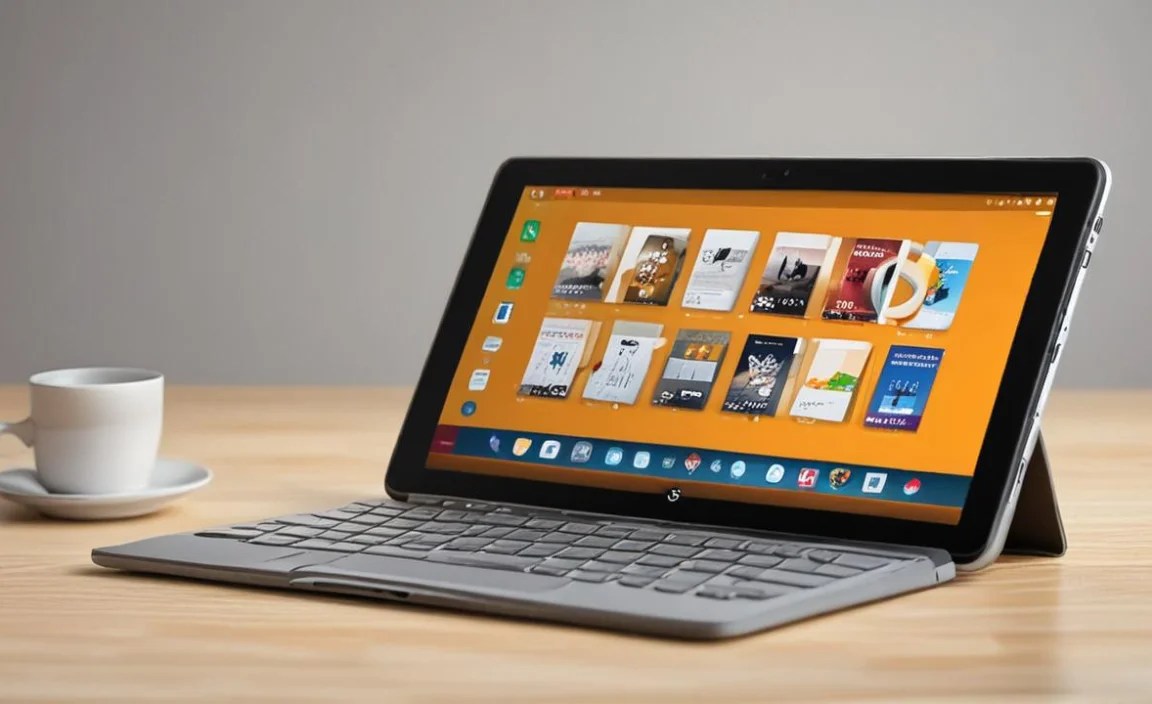
Here’s a quick look at how these affordable picks stack up for students:
| Feature | Samsung Galaxy Tab A Series | Apple iPad (Base Model) | Amazon Fire HD 10 | Microsoft Surface Go |
|---|---|---|---|---|
| Operating System | Android | iPadOS | Fire OS (Android-based) | Windows 11 |
| Screen Size | 8-10 inches | 10.2-10.9 inches | 10.1 inches | 10-11 inches |
| Performance for Students | Good (browsing, notes, streaming) | Excellent (all apps, demanding tasks) | Basic (reading, streaming, light browsing) | Good to Very Good (runs desktop apps) |
| Storage Options | 64GB+, MicroSD expandable | 64GB+ (no expansion) | 32GB/64GB, MicroSD expandable | 64GB/128GB+ SSD |
| Stylus Support | Yes (some models, sold separately) | Yes (Apple Pencil, sold separately) | No | Yes (Surface Pen, sold separately) |
| Price Range (Approx.) | $150 – $300 | $300 – $500 (entry-level) | $80 – $150 | $400 – $700+ (often with keyboard/pen) |
| Best For | Overall value, Android users | User experience, apps, longevity | Extreme budget, media consumption, basic needs | Windows users, productivity, 2-in-1 flexibility |
Tips for Finding the Best Deals

Getting a great tablet doesn’t mean you have to pay full price. Here’s how to be a smart shopper:
- Look for Sales Events: Keep an eye out during major shopping holidays like Black Friday, Cyber Monday, Amazon Prime Day, and back-to-school sales.
- Consider Refurbished: Many manufacturers and retailers (like Apple, Samsung, and Amazon) offer certified refurbished tablets. These are pre-owned devices that have been inspected, repaired (if necessary), and cleaned, and they often come with a warranty. This can save you hundreds of dollars.
- Check Older Models: Last year’s model is often last year’s performance, but at a significantly lower price. If a brand releases a new tablet, the previous one usually gets a price drop.
- Bundle Deals: Sometimes you can find tablets bundled with useful accessories like a case, screen protector, or stylus for a better overall price.
- Student Discounts: Always check if the manufacturer or your educational institution offers specific student discounts. Major tech companies like Apple and Microsoft often do.
- Compare Retailers: Don’t buy from the first place you look. Compare prices across major retailers like Amazon, Best Buy, Walmart, and directly from manufacturer websites.
Essential Accessories for Students
Once you’ve chosen your tablet, a few accessories can make a big difference in how you use it for school.
- Protective Case: Absolutely non-negotiable for a student tablet. Look for one with good padding, a stand, and perhaps even a keyboard if that suits your needs.
- Screen Protector: A thin layer of tempered glass or plastic to guard against scratches and cracks.
- Stylus: If you plan on taking handwritten notes, drawing, or annotating PDFs, an active stylus is a must. Research which one is compatible with your chosen tablet.

Your tech guru in Sand City, CA, bringing you the latest insights and tips exclusively on mobile tablets. Dive into the world of sleek devices and stay ahead in the tablet game with my expert guidance. Your go-to source for all things tablet-related – let’s elevate your tech experience!