Choosing the best tablet for cloud gaming doesn’t have to be confusing. For a smooth, lag-free experience, focus on tablets with powerful processors, bright and responsive screens, and excellent Wi-Fi connectivity. We’ll break down the key features and recommend top picks to get you gaming in the cloud instantly.
Are you dreaming of playing the latest PC games right on a tablet? Cloud gaming services like Xbox Cloud Gaming, NVIDIA GeForce NOW, and Amazon Luna make this a reality! All you need is a good internet connection and a capable tablet. But with so many options out there, how do you pick the one that won’t leave you frustrated with lag and stuttering? It can feel a bit overwhelming, right? Don’t worry, we’re here to guide you. We’ll walk through exactly what to look for and reveal some fantastic tablets that are perfect for bringing your favorite games to life, anywhere you go.
What is Cloud Gaming and Why Do You Need a Good Tablet?

Cloud gaming is like streaming your favorite shows, but for video games. Instead of your tablet doing all the heavy lifting to run a game, the game actually runs on powerful servers in a data center. Your tablet then receives the video and audio feed from those servers, and sends your controller inputs back. Think of it as having a super-powerful gaming PC or console in the sky, with your tablet acting as the remote control and screen.
This makes it possible to play demanding games on devices that wouldn’t normally be able to handle them. However, for this magic to work smoothly, your tablet needs to be able to communicate quickly and display the game flawlessly. This means certain features become really important when choosing a tablet for cloud gaming.
Key Features to Look For in the Best Tablets for Cloud Gaming
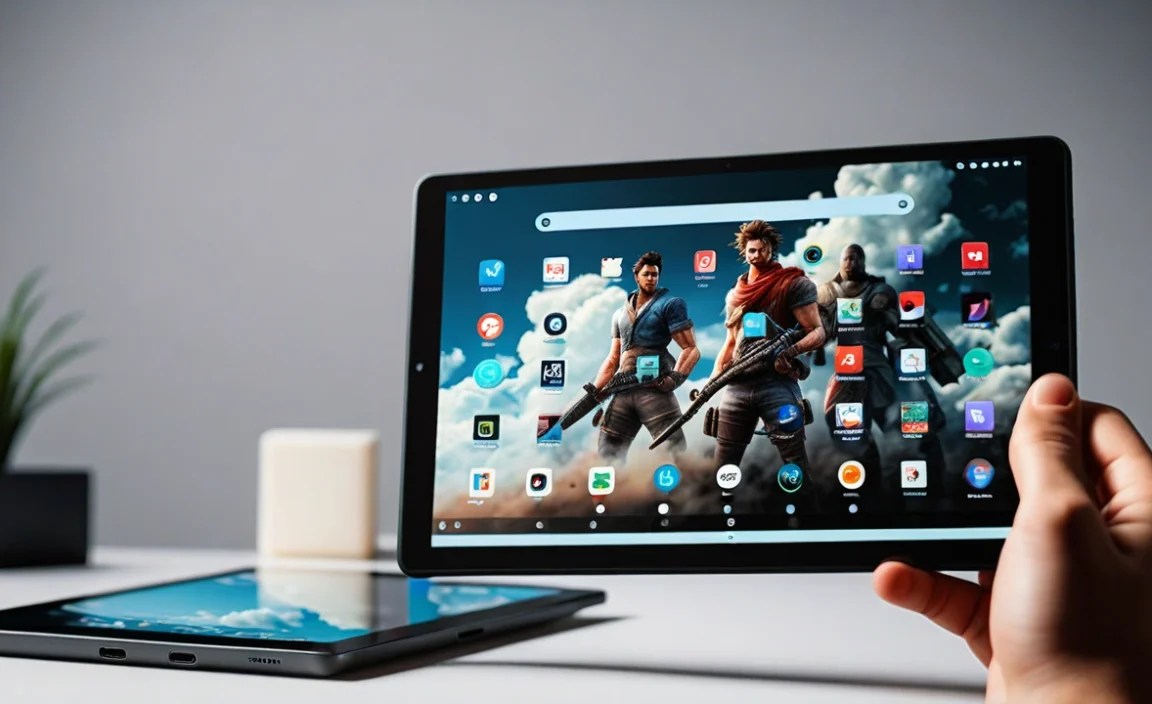
When it comes to cloud gaming, not all tablets are created equal. Here are the must-have features that will make a huge difference in your gaming experience:
1. Powerful Processor (CPU & GPU)
Even though the game isn’t running on your tablet, the tablet’s processor is still crucial. It needs to be strong enough to decode the video stream from the cloud quickly and smoothly. A sluggish processor can lead to choppy video and input lag, totally ruining your game. Look for tablets with modern, high-end chipsets. For Android tablets, this often means Qualcomm Snapdragon processors (like the 8-series) or MediaTek Dimensity chipsets (like the 9000 series). For iPads, Apple’s own A-series or M-series chips are incredibly powerful.
2. Vibrant and Responsive Display
You’ll be looking at your screen a lot, so it needs to be good! Key aspects include:
- Resolution: A higher resolution (like Full HD or higher) means sharper, more detailed graphics.
- Refresh Rate: This is how many times the screen updates per second. A higher refresh rate (120Hz is ideal for gaming) makes motion look smoother and more fluid, which is essential for fast-paced games.
- Response Time: How quickly pixels change color. Lower is better to prevent motion blur.
- Brightness: If you plan to game in well-lit rooms or outdoors, a bright screen is a must.
3. Excellent Wi-Fi Connectivity
This is perhaps the MOST important factor for cloud gaming. You need a tablet with the latest Wi-Fi standards, specifically Wi-Fi 6 (802.11ax) or Wi-Fi 6E. These newer standards offer faster speeds, lower latency (ping), and better stability, especially in crowded Wi-Fi environments. A strong, stable internet connection from your router is also non-negotiable.
4. Sufficient RAM
While not as critical as for local gaming, having enough RAM (Random Access Memory) helps your tablet multitask smoothly. This is important if you’re running a cloud gaming app, a web browser (for game instructions or chat), and maybe some background music. 6GB of RAM is a good starting point, but 8GB or more is even better for a truly seamless experience.
5. Battery Life
Gamer sessions can be long! You don’t want your tablet dying mid-boss fight. Look for tablets known for good battery longevity. Many higher-end tablets offer decent battery life, and it’s always a good idea to have a charger nearby.
6. Comfortable Ergonomics and Storage for Apps
While you might be using a separate controller, how the tablet feels in your hands is still important. Some tablets are lighter or have better weight distribution. Also, consider storage. Even cloud gaming requires space for the operating system and the apps themselves, so aim for at least 128GB of internal storage, or choose a tablet with expandable storage via microSD if you plan to store other media.
Top Tablet Picks for Cloud Gaming in 2024

Based on the essential features, here are some of the best tablets that will elevate your cloud gaming experience:
1. Apple iPad Pro (M2/M4)
Why it’s great: The iPad Pro is a powerhouse. Its M-series chips are some of the most powerful mobile processors available, delivering incredibly smooth performance for decoding video streams. The Liquid Retina XDR display (on the 12.9-inch model) is stunning, with ProMotion technology for a butter-smooth 120Hz refresh rate. Wi-Fi 6E support ensures top-tier wireless speeds. The build quality is exceptional, and iPadOS handles multitasking with ease. While expensive, it offers an unmatched premium experience.
- Pros: Unbeatable processing power, gorgeous display with 120Hz, superior Wi-Fi, excellent build quality, long-term software support.
- Cons: Very expensive, accessories (like controllers) are extra.
2. Lenovo Legion Y700 (Specific Regions) / Lenovo Tab P11 Pro (Gen 2)
Why it’s great: Lenovo often produces tablets with gaming in mind. The (regionally available) Legion Y700 is specifically designed for gaming with a focus on performance and cooling. If that’s not available, the Tab P11 Pro (Gen 2) is a strong contender. It boasts a vibrant OLED display with a 120Hz refresh rate and is powered by a capable MediaTek Kompanio 1300T chip or Snapdragon 870 (depending on the model/region), which is more than enough for cloud gaming. It often comes with Wi-Fi 6 support and good battery life.
- Pros: Excellent displays, strong performance for the price, good battery life, often more affordable than iPads.
- Cons: Availability can be regional, may not match iPad Pro’s raw power.
3. Samsung Galaxy Tab S9 Series (S9, S9+, S9 Ultra)
Why it’s great: Samsung’s flagship tablets are fantastic all-rounders that excel at gaming. They feature stunning AMOLED displays with 120Hz refresh rates, delivering vibrant colors and deep blacks. Powered by top-tier Snapdragon for Galaxy chipsets, they offer plenty of power for smooth streaming. Wi-Fi 6E support is standard, ensuring fast and stable connections. The larger screens on the S9+ and S9 Ultra provide an immersive experience. Samsung’s DeX mode also allows for a desktop-like interface, which can be useful for managing apps.
- Pros: Beautiful AMOLED displays, powerful performance, Wi-Fi 6E, great for multitasking, excellent build.
- Cons: Premium pricing, software updates can sometimes lag behind iPads.
4. Google Pixel Tablet
Why it’s great: The Pixel Tablet, with its Tensor G2 chip, offers a smooth and efficient experience. While not marketed as a gaming tablet, its Tensor G2 processor is surprisingly capable for streaming and app performance. The 11-inch LCD screen is bright and clear, and it supports Wi-Fi 6. Its unique selling point is the speaker dock, which can make it a convenient entertainment hub when you’re not gaming. For its price point, it offers great value and a clean Android experience.
- Pros: Good value, capable Tensor G2 chip, unique speaker dock, clean Android experience.
- Cons: Display isn’t OLED, refresh rate is locked at 60Hz.
5. Samsung Galaxy Tab A9+
Why it’s great: If you’re on a tighter budget, the Galaxy Tab A9+ is a surprisingly capable option for beginners. It offers a large 11.0-inch display with a 90Hz refresh rate, providing a smoother experience than many budget tablets. While its MediaTek Helio G99 processor isn’t a flagship killer, it’s perfectly adequate for cloud gaming streaming. It supports Wi-Fi 5 (802.11ac), which is good, though not as advanced as Wi-Fi 6. It’s a super-affordable way to get into cloud gaming.
- Pros: Very affordable, large display with 90Hz refresh rate, good battery life.
- Cons: Wi-Fi 5 instead of 6, processor is mid-range, display isn’t OLED.
Comparing the Top Contenders
To help you visualize the differences, here’s a quick comparison of some of the leading models:
| Feature | iPad Pro (M Series) | Samsung Galaxy Tab S9 Series | Lenovo Tab P11 Pro (Gen 2) | Google Pixel Tablet | Samsung Galaxy Tab A9+ |
|---|---|---|---|---|---|
| Display Type | Liquid Retina XDR (Mini-LED) / Liquid Retina | Dynamic AMOLED 2X | OLED | LCD | TFT LCD |
| Display Size | 11-inch or 12.9-inch | 11-inch, 12.4-inch, 14.6-inch | 11.5-inch | 10.95-inch | 11.0-inch |
| Refresh Rate | Up to 120Hz (ProMotion) | Up to 120Hz | Up to 120Hz | 60Hz | 90Hz |
| Processor | Apple M-Series | Snapdragon 8 Gen 2 for Galaxy | MediaTek Kompanio 1300T / Snapdragon 870 | Google Tensor G2 | MediaTek Helio G99 |
| Wi-Fi Standard | Wi-Fi 6E | Wi-Fi 6E | Wi-Fi 6 | Wi-Fi 6 | Wi-Fi 5 (802.11ac) |
| RAM Options | 8GB – 16GB | 8GB – 12GB | 4GB – 8GB | 8GB | 4GB – 8GB |
| Price Range | $$$$ | $$$ | $$ | $$ | $ |
Getting the Most Out of Your Cloud Gaming Tablet
Once you’ve chosen your tablet, here are a few tips to ensure the best cloud gaming experience:
1. Optimize Your Internet Connection
This is paramount. Cloud gaming relies heavily on a stable, fast internet connection. Here’s how to improve it:
- Use 5GHz Wi-Fi: Most modern routers broadcast both 2.4GHz and 5GHz signals. The 5GHz band is faster and has less interference, making it ideal for gaming.
- Get Closer to Your Router: The further you are from your router, the weaker the signal. Try to game in a room closer to your Wi-Fi hub.
- Consider a Wi-Fi Extender or Mesh System: If you have dead spots in your home, these can extend your Wi-Fi coverage.
- Use an Ethernet Adapter (if possible): Some tablets may support USB-C to Ethernet adapters, offering the most stable and fastest connection if your Wi-Fi is unreliable.
- Check Your Internet Speed: Use online speed tests (like those from Speedtest.net by Ookla) to ensure you’re getting the speeds recommended by your cloud gaming service (usually at least 15-25 Mbps for 1080p).
2. Use a Dedicated Controller
While many cloud games support touch controls, nothing beats the precision and comfort of a physical controller. Look for controllers that are compatible with your tablet’s operating system (iOS, Android) and can connect via Bluetooth. Popular choices include Xbox Wireless Controllers, PlayStation DualSense/DualShock 4, and various third-party gaming controllers like the GameSir brand.
3. Keep Your Tablet Updated
Ensure your tablet’s operating system and the cloud gaming app are always updated. Updates often include performance improvements, bug fixes, and new features that can enhance your gaming experience.
4. Manage Background Apps
Close any unnecessary apps running in the background. This frees up RAM and processing power for the cloud gaming app, helping to prevent stuttering or lag.
5. Adjust In-Game Settings (If Available)
Some cloud gaming platforms allow you to adjust in-game graphics settings. While you can’t push these settings too high (as the game is streamed), sometimes lowering resolution or visual effects can help if you’re experiencing performance issues with a particular game.
Best Cloud Gaming Services to Try
Here are some of the most popular cloud gaming services you can enjoy on your new tablet:
- Xbox Cloud Gaming (Beta): With an Xbox Game Pass Ultimate subscription, you get access to a large library of games streamed directly to your tablet.
- NVIDIA GeForce NOW: Connects to your existing PC game libraries (like Steam, Epic Games Store) and streams those games to your tablet. It offers a free tier and paid tiers for better performance.
- Amazon Luna: A straightforward service with several “channels” you can subscribe to, offering different game collections.
- PlayStation Plus Premium: Allows streaming of select PlayStation games on compatible devices.
It’s worth checking the specific requirements and game libraries of each service to see which best suits your gaming preferences. NVIDIA GeForce NOW, in particular, offers a great way to play games you already own on PC.
Frequently Asked Questions (FAQs)
Q1: Do I need a fast internet connection for cloud gaming on a tablet?
Yes, absolutely! A strong, stable internet connection is the most crucial element. Most services recommend a speed of at least 15-25 Mbps for a good 1080p streaming experience. Wi-Fi 5 (802.11ac) is the minimum, but Wi-Fi 6 or 6E is highly recommended for lower latency and better performance.
Q2: Can I play any game on a tablet using cloud gaming?
You can play any game that is supported by the cloud gaming service you subscribe to and is available for your tablet’s operating system. For example, Xbox Cloud Gaming requires a Game Pass Ultimate subscription and streams games from Microsoft’s library. NVIDIA GeForce NOW lets you play many PC games you already own.
Q3: Will my tablet get hot when cloud gaming?
Your tablet will use more power and generate some heat, especially during extended gaming sessions. However, good tablets are designed to manage this. If it gets excessively hot, it might indicate a weaker processor or a background issue. Ensure the tablet has good ventilation and isn’t covered.
Q4: What’s the difference between cloud gaming and playing games downloaded to a tablet?
When you download a game, your tablet’s processor and graphics chip do all the work to run the game. With cloud gaming, the game runs on remote servers, and your tablet only needs to stream the video and send your inputs. This means you can play high-end games on less powerful (but still capable) tablets.
Q5: Do I need a special app to cloud game?
Yes, you will typically need to download a specific app for each cloud gaming service you want to use. For instance, you’ll download the “Xbox” app for Xbox Cloud Gaming, “GeForce NOW” for NVIDIA GeForce NOW, or “Amazon Luna” for Amazon Luna from your tablet’s app store.
Q6: Can

Your tech guru in Sand City, CA, bringing you the latest insights and tips exclusively on mobile tablets. Dive into the world of sleek devices and stay ahead in the tablet game with my expert guidance. Your go-to source for all things tablet-related – let’s elevate your tech experience!