Navigating the world of tablets for field work can feel a bit overwhelming, right? There are so many options, and you just want a device that won’t let you down when you’re out in the elements. Whether you’re an architect on a construction site, a biologist in the field, or a surveyor in remote locations, a reliable tablet is crucial. We’re here to break down the best choices, making it easy to find the perfect match for your tough jobs. Get ready to discover your next essential tool!
Best Tablets For Field Work Comparison: Essential Guide
Choosing the right tablet for field work is a critical decision that can significantly impact your productivity and the success of your projects. Unlike tablets used primarily for home or office, devices for fieldwork need to withstand more demanding conditions. They often face dust, water, drops, extreme temperatures, and require long battery life for extended use away from power sources. This guide will help you understand the key features to look for and compare some of the best tablets available for various fieldwork needs.
Why Field Work Tablets Need Special Features
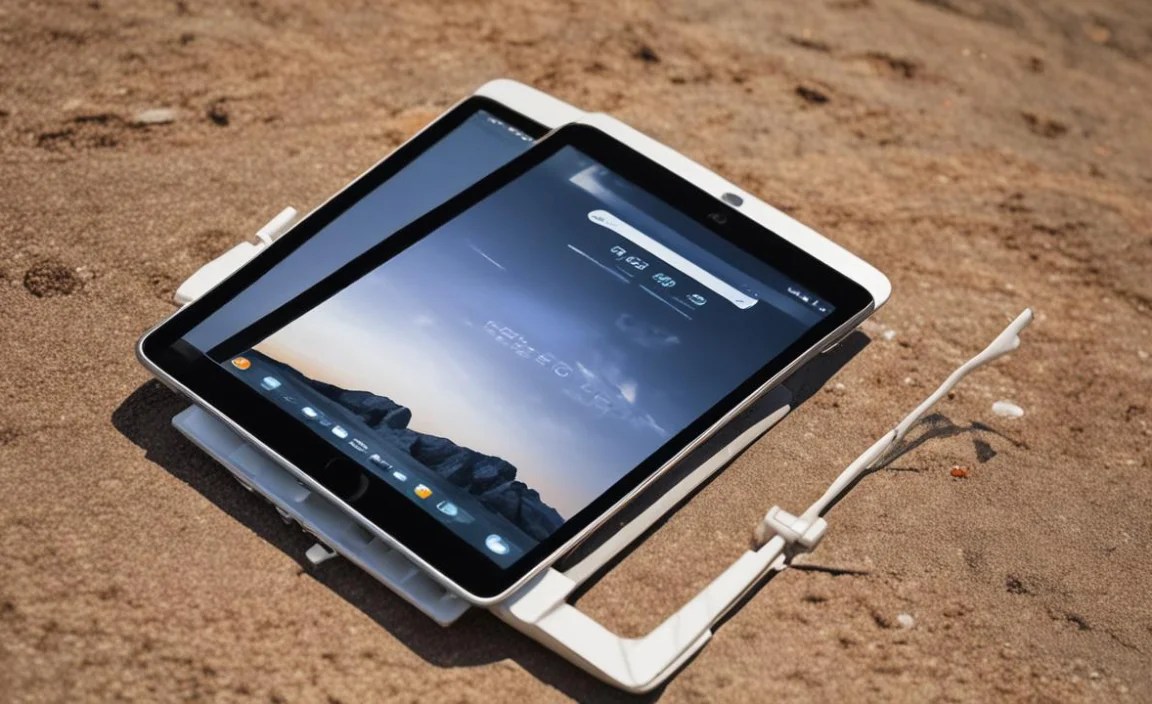
When you step outside the controlled environment of an office or home, your technology faces a barrage of potential hazards. Standard consumer tablets are rarely built to handle these challenges. Field work often involves:
- Harsh Environments: Exposure to dust, dirt, sand, moisture, and even submergence in water is common.
- Physical Stress: Accidental drops, bumps, and vibrations are a daily reality.
- Temperature Fluctuations: Extreme heat or cold can affect battery performance and device functionality.
- Outdoor Visibility: Bright sunlight can make screens difficult to read.
- Connectivity: Reliable internet access might be limited, requiring offline capabilities or robust cellular options.
- Battery Life: Access to chargers is often scarce, making long-lasting batteries essential.
Because of these factors, tablets designed for field work, also known as rugged tablets, come with specialized certifications and construction to ensure they can perform reliably under pressure. These features are what set them apart from their consumer-grade counterparts.
Key Features to Consider for Field Work Tablets
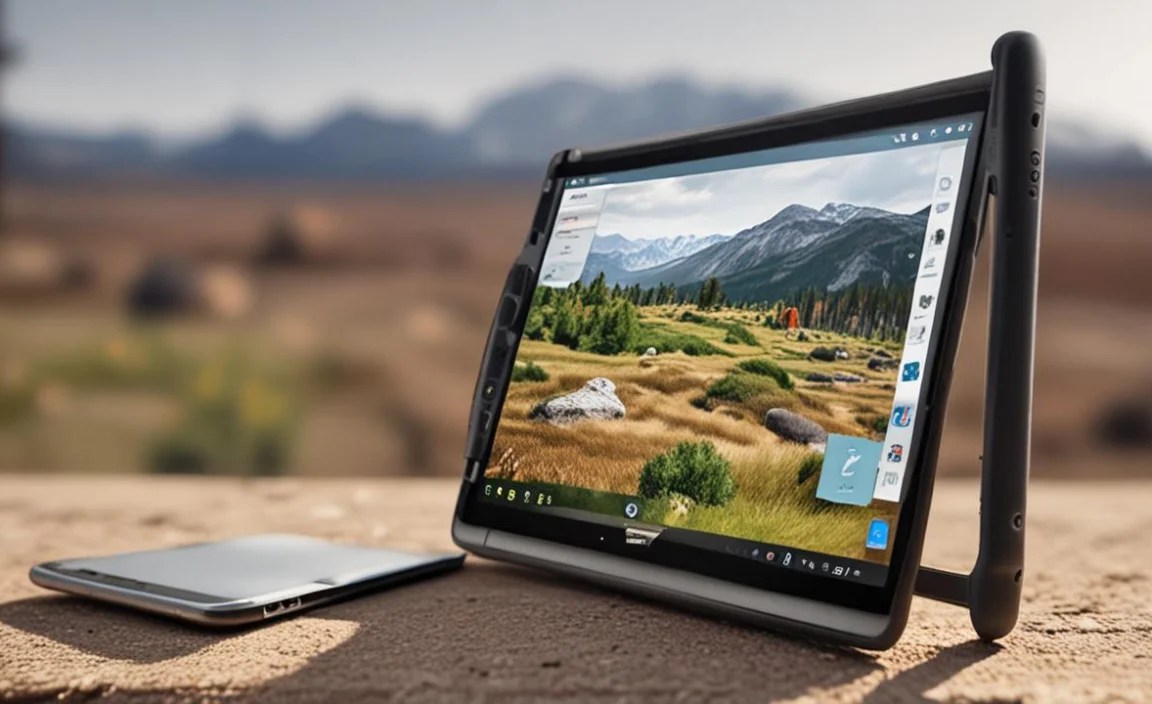
Before diving into specific models, let’s understand what makes a tablet truly “field-ready.”
1. Durability and Ruggedness (IP Ratings & MIL-STD)
This is perhaps the most crucial aspect. Look for:
- IP Ratings (Ingress Protection): These codes indicate how well a device is protected against solids (like dust) and liquids (like water). For field work, aim for at least IP65, and ideally IP67 or IP68 for better water resistance. For example, an IP67 rating means the device is dust-tight and protected against immersion in water up to 1 meter for 30 minutes.
- MIL-STD-810G/H: This is a military standard that covers a broad range of environmental conditions. Devices tested against MIL-STD standards have proven they can withstand specific levels of shock, vibration, drops, extreme temperatures, and humidity.
These certifications are your assurance that the device has been rigorously tested to survive the tough conditions you might encounter.
2. Display and Sunlight Readability
Working outdoors means facing bright sunlight, which can render a standard tablet screen nearly invisible. Key display features include:
- High Brightness (Nits): Look for displays with at least 500 nits, and preferably 800-1000 nits or more for excellent outdoor readability.
- Anti-glare/Anti-reflective Coatings: These treatments reduce reflections and improve visibility.
- Touchscreen Sensitivity: The ability to operate the touchscreen with gloves or when your fingers are wet is a significant advantage in the field.
3. Battery Life and Power Management
Long days in the field demand long-lasting power. Consider:
- Large Battery Capacity: Measured in milliampere-hours (mAh), higher numbers generally mean longer usage.
- Hot-Swappable Batteries: Some rugged tablets offer the ability to replace a dead battery with a spare without shutting down the device, ensuring continuous operation.
- Efficient Processors: Modern processors are designed for better power efficiency, balancing performance with battery longevity.
4. Connectivity Options
Staying connected is vital, even in remote areas.
- Wi-Fi and Bluetooth: Standard for most devices.
- Cellular (4G LTE / 5G): Essential for internet access where Wi-Fi is unavailable. Make sure it supports the necessary bands for your region.
- GPS: Accurate GPS is critical for navigation and location-based tasks. Look for devices with dedicated GPS modules or high-sensitivity receivers.
- Optional Ports: Some rugged tablets include expansion slots, serial ports, or barcode scanners for specialized field equipment.
5. Performance and Storage
While you might not need the absolute fastest processor for basic tasks, you’ll want enough power for your specific applications.
- Processor (CPU): Sufficient for running your field applications smoothly.
- RAM: 4GB is often the minimum for decent multitasking, but 8GB or more is preferable for intensive apps.
- Storage (SSD): Enough space for your operating system, applications, and collected data. SSDs offer faster performance than traditional HDDs.
6. Operating System
The choice often comes down to Windows, Android, or iPadOS (for Apple devices, though less common in true rugged configurations). Choose based on your existing infrastructure and software needs.
- Windows: Offers the most compatibility with traditional desktop applications, making it ideal for migrating existing workflows.
- Android: Widely used, offers a vast app ecosystem, and is often more cost-effective.
- iPadOS: Known for its user-friendly interface and strong app selection, but rugged options are limited compared to Windows or Android.
Top Tablets for Field Work: A Comparative Look

Now, let’s explore some of the top contenders in the rugged tablet market, categorized by their strengths.
1. Panasonic Toughbook Series (Windows)
Panasonic is a dominant name in rugged computing, and their Toughbook line is legendary. These devices are built like tanks and are often the go-to for industries with the harshest environments.
- Key Models: Toughbook 33, Toughbook 40, FZ-G2.
- Strengths: Extreme durability (MIL-STD-810H compliant, IP65/IP67/IP68 depending on model), excellent sunlight-readable displays, long battery life (often with hot-swappable options), highly configurable with various ports and add-ons, robust security features. Runs full Windows.
- Ideal For: Public safety, military, heavy industry, oil & gas, utilities, construction. The Toughbook 33, for instance, is a 2-in-1 detachable that can function as a tablet or a laptop.
- Considerations: Typically the most expensive options, can be heavier and bulkier than semi-rugged or consumer tablets.
2. Getac Devices (Windows & Android)
Getac is another major player offering a wide range of rugged solutions, from highly specialized devices to more general-purpose rugged tablets.
- Key Models: Getac F110, Getac UX10, Getac ZX80 (Android).
- Strengths: High levels of ruggedness (MIL-STD-810G/H, IP65/IP67), very bright displays with good viewing angles, good performance for demanding applications, wide range of configurations, often more competitive pricing than Panasonic for similar specs, available in both Windows and Android.
- Ideal For: Field service, logistics, manufacturing, utilities, public safety. The UX10 is a popular choice for its balance of ruggedness and portability in a 10-inch form factor.
- Considerations: Some models can still be on the pricier side.
3. Zebra Technologies ET Series (Android)
Zebra is well-known for its enterprise mobile computing devices, particularly in warehousing and logistics. Their ET series tablets are designed for demanding business-to-business (B2B) mobile applications.
- Key Models: Zebra ET51/ET56 (rugged convertible), ET60/ET65 (newest generation).
- Strengths: Designed for business and enterprise use, good barcode scanning capabilities (optional), decent ruggedness (drop resistance, sealed for dust/water), good connectivity options, runs Android (or optionally Windows on newer models), more affordable than fully rugged options.
- Ideal For: Retail, warehousing, field service, logistics supervisors, inventory management. The ET5x series acts as a bridge between consumer tablets and fully rugged devices.
- Considerations: Not as aggressively rugged as Panasonic or Getac (check specific MIL-STD and IP ratings carefully).
4. Samsung Galaxy Tab Active Series (Android)
Samsung offers ruggedized versions of its popular Galaxy Tab line, bringing its familiar Android experience to tougher environments. A great option for those already invested in the Samsung ecosystem.
- Key Models: Galaxy Tab Active4 Pro, Galaxy Tab Active3.
- Strengths: MIL-STD-810H compliant, IP68 water/dust resistance, excellent AMOLED displays, integrated S Pen for note-taking and precision input, good battery life with replaceable batteries, strong performance for everyday business tasks, more affordable than dedicated rugged brands.
- Ideal For: Field sales, light field service, logistics, healthcare professionals, construction site supervisors who need moderate ruggedness and stylus support.
- Considerations: Not designed for extreme industrial environments like some fully rugged tablets.
5. Apple iPad (with Rugged Case)
While Apple doesn’t make “rugged” iPads in the same vein as industrial manufacturers, the standard iPad, iPad Air, and iPad Pro are powerful and versatile. When paired with a high-quality rugged case, they can become suitable for less extreme field work.
- Key Models: iPad, iPad Air, iPad Pro.
- Strengths: Excellent performance, intuitive iPadOS, vast app store with professional-grade apps (e.g., for design, data collection), beautiful displays, strong ecosystem integration.
- Rugged Case Examples: OtterBox, UAG (Urban Armor Gear), Griffin Survivor. These cases add significant drop, dust, and water protection.
- Ideal For: Creative professionals, architects, designers, field researchers who need specific iOS apps and can use a protective case.
- Considerations: The tablet itself is not inherently rugged. Durability depends entirely on the case. Sunlight readability can be an issue without a high-brightness model and anti-glare screen protector. Battery life is good but not typically hot-swappable.
Comparison Table: Key Specs at a Glance
Here’s a simplified comparison to help you weigh the options. Please note that specs can vary significantly within model lines, and these are general benchmarks.
| Feature | Panasonic Toughbook 33 | Getac F110 | Zebra ET56 | Samsung Galaxy Tab Active4 Pro | iPad Air + Rugged Case |
|---|---|---|---|---|---|
| Operating System | Windows 10/11 Pro | Windows 11 Pro / Android 11 | Android 11 | Android 12 | iPadOS |
| Ruggedness Certification | MIL-STD-810H, IP65 | MIL-STD-810H, IP65 | IP65, Drop Resistant | MIL-STD-810H, IP68 | Depends on Case (e.g., Otterbox Defend) |
| Display Size | 12-inch | 11.6-inch | 8.4-inch (optional 10.1-inch) | 10.1-inch | 10.9-inch |
| Sunlight Readability | Excellent (up to 1000+ nits) | Very Good (up to 800+ nits) | Good (up to 500+ nits) | Good (up to 500 nits) | Good (up to 500 nits standard) |
| Battery | Hot-swappable, Long Life | Hot-swappable optional, Long Life | Standard, replaceable | Replaceable, Good Life | Integrated, Good Life |
| Stylus Support | Optional Digitizer | Optional Digitizer | Yes | Integrated S Pen | Apple Pencil Support |
| Price Range (Est.) | $$$$$ | $$$$ | $$$ | $$ | $$-$$$ (Tablet + Case) |
Note: Price indications are relative ($, $$, $$$ etc.) as actual costs can fluctuate based on configurations and sales.
Choosing the Right Tablet for Your Specific Field Work
Your ideal field work tablet depends heavily on your industry, your specific tasks, and your budget. Here’s a breakdown to help you decide:
For the Toughest Environments (Construction, Utilities, Oil & Gas, Military)
You need maximum durability. Devices from Panasonic Toughbook and Getac are engineered for these demanding scenarios. They offer the highest levels of water, dust, and shock resistance, along with features like glove-touch screens and extreme temperature operation. While expensive, their longevity and data protection can save significant costs in the long run.
For Field Service and Logistics (Delivery Drivers, Technicians)
You need robust devices but might not require extreme military-grade specifications. Zebra rugged tablets, like the ET56, offer a good balance of ruggedness, integrated scanning capabilities, and affordability. They are designed for busy environments where occasional drops are possible but not constant submersion in water or dirt. The Samsung Galaxy Tab Active series is also a strong contender here, especially if you prefer Android and need stylus precision for signatures or notes.
For Design, Architecture, and Data Collection (Field Researchers, Creative Professionals)
If your work involves detailed visual input, note-taking, or using specialized creative apps, a standard tablet like an Apple iPad Air or Pro protected by a robust case might be the best fit. You get a high-quality display, excellent app support, and powerful processing. Just ensure the rugged case you choose provides adequate protection for your typical work environment. For Android users, a Samsung Galaxy Tab Active could also suffice here.
For Budget-Conscious Field Teams
If budget is a primary concern but some level of durability is still required, look at the more affordable end of Zebra’s ET series or the Samsung Galaxy Tab Active series. These offer a good compromise. Alternatively, consider slightly older generation fully rugged tablets from Panasonic or Getac; they are often still very capable and can be found at a lower price point.
Essential Accessories for Field Tablets
Beyond the tablet itself, consider these accessories to enhance your field experience:
- Rugged Cases: As mentioned, crucial for non-ruggedized devices.
- Screen Protectors: Tempered glass or advanced film can prevent scratches and cracks. Look for anti-glare options.
- Car Mounts/Holders: Secure mounting in vehicles prevents damage and allows for hands-free use.
- External Battery Packs/Power Banks: Essential for topping up on the go.
- Stylus Pens: For precise input, drawing, or signing documents. Choose one compatible with your tablet and suitable for your needs (e.g., passive stylus, active stylus with pressure sensitivity).
- Gloves: If you need to operate the touchscreen with gloves, ensure your chosen gloves are conductive or the tablet has a glove-mode.
- Carrying Straps/Handles: Make the tablet easier to hold and carry securely.
Where to Buy and What to Look For
When purchasing a tablet for field work, it’s advisable to buy directly from the manufacturer, authorized resellers, or reputable IT suppliers. This ensures you get genuine products, proper warranties, and access to customer support.
Always check the specific specifications for:
- Durability Ratings

Your tech guru in Sand City, CA, bringing you the latest insights and tips exclusively on mobile tablets. Dive into the world of sleek devices and stay ahead in the tablet game with my expert guidance. Your go-to source for all things tablet-related – let’s elevate your tech experience!