Budget tablets for cloud gaming for beginners can deliver an amazing, affordable gaming experience. This guide helps you find the best options by focusing on key features like screen quality, performance, battery life, and connectivity, ensuring you get the most bang for your buck without breaking the bank.
Ever dreamed of playing the latest AAA games without shelling out for an expensive console or top-tier PC? Cloud gaming services are making that dream a reality, streaming games directly to your devices. But here’s the catch: you need a device that can handle it. If you’re on a budget and new to this, the thought of deciphering specs and finding the right tablet can feel overwhelming. Don’t worry, though! Tabletzoo is here to help. We’ll walk through exactly what to look for in a budget-friendly tablet that’s perfect for cloud gaming beginners. Get ready to unlock a world of gaming possibilities!
Budget Tablets for Cloud Gaming: Your Essential Guide
Cloud gaming is like magic for your entertainment. Instead of your device doing all the heavy lifting, the powerful computing happens on remote servers. Your tablet, then, acts as a window, streaming the game to you and sending your commands back. This means you can enjoy console-quality games on a device that doesn’t need extreme power. For beginners, this is fantastic news – it opens the door to high-end gaming with more affordable hardware.
The key to a great cloud gaming experience on a budget lies in choosing a tablet that excels in a few crucial areas. We’re not talking about the absolute cutting edge, but rather smart picks that offer exceptional value. Let’s break down what makes a tablet a “win” for cloud gaming, especially when you’re just starting out.
What is Cloud Gaming and Why Tablets?
Cloud gaming services like NVIDIA GeForce NOW, Xbox Cloud Gaming (part of Xbox Game Pass Ultimate), and Amazon Luna allow you to play games streamed over the internet. Think of it like Netflix, but for video games. You subscribe to a service, connect to their servers, and play games that are being rendered on their powerful hardware, not yours.
Tablets are increasingly becoming a popular choice for cloud gaming for several reasons:
- Portability: You can game on your couch, in bed, on a bus, or at a friend’s place.
- Screen Size: Tablets offer larger screens than smartphones, providing a more immersive experience without the bulk of a laptop.
- Controller Support: Most tablets readily connect to Bluetooth controllers, which are essential for a good gaming experience.
- Affordability: Compared to gaming PCs and high-end laptops, budget tablets are significantly more accessible.
Key Features for Budget Cloud Gaming Tablets
When you’re hunting for a budget tablet for cloud gaming, some features are more important than others. Focusing on these will help you make the best decision without getting lost in unnecessary jargon. Here’s what truly matters:
1. Display Quality: Your Window to the Game
The screen is where all the action happens. For cloud gaming, you want a display that’s vibrant, has good contrast, and is smooth enough to handle fast-paced games. While you might not get a 4K OLED panel on a budget, there are still excellent options.
- Resolution: Aim for at least a 1080p (Full HD) resolution. This ensures games look sharp and detailed, not blurry or pixelated. Tablets with resolutions around 1920 x 1200 or 1920 x 1080 are generally good.
- Screen Size: A larger screen, typically 8 inches or more, offers a better view of the game world. However, don’t sacrifice resolution or refresh rate for size if you have to pick.
- Brightness and Color: Look for tablets with good average brightness (around 300 nits or higher) so you can game comfortably even in well-lit rooms. Vibrant colors make games pop.
- Refresh Rate: While high refresh rates (like 120Hz) are great for smoothness, most budget tablets will have a standard 60Hz refresh rate. For cloud gaming on a budget, a smooth 60Hz is perfectly adequate, especially if your internet connection is stable.
2. Performance: Keeping Things Smooth
While the heavy lifting is done on servers, your tablet still needs to decode the video stream, run the operating system, and process input smoothly. A capable processor and enough RAM are crucial.
- Processor (CPU/SoC): You don’t need a top-tier chip, but avoid the absolute weakest processors. Look for tablets with chipsets like Qualcomm Snapdragon 600-series or 700-series, or MediaTek Helio G-series or Dimensity chips in a similar performance bracket. These offer a good balance of power and efficiency for everyday tasks and streaming.
- RAM: 4GB of RAM is a good minimum for basic multitasking and ensuring cloud gaming apps run without hitching. 6GB or 8GB will provide a smoother experience and better longevity.
3. Connectivity: The Lifeline of Cloud Gaming

Cloud gaming relies entirely on your internet connection. Your tablet needs to be able to connect reliably and quickly.
- Wi-Fi: Look for tablets that support Wi-Fi 5 (802.11ac) or ideally Wi-Fi 6 (802.11ax). These standards offer faster speeds and better performance, especially in crowded Wi-Fi environments. Ensure the tablet has good Wi-Fi reception.
- Bluetooth: A stable Bluetooth connection is essential for wireless controllers. Bluetooth 5.0 or later is recommended for a reliable and low-latency connection.
4. Battery Life: Gaming on the Go

You don’t want your gaming session to be cut short by a dead battery. Tablets designed for portability often come with decent battery life.
- Battery Capacity: Look for tablets with battery capacities of 5,000 mAh or higher. Real-world usage will vary, but a larger capacity generally means longer playtime.
- Efficient Performance: Processors that balance power with energy efficiency can also contribute to better battery life.
5. Storage: More Than Just the App
While games are streamed, you’ll still need space for the operating system, cloud gaming apps, and any offline content you might want to download. 32GB is a bare minimum, with 64GB or 128GB being much more comfortable.
- Expandable Storage: Many budget tablets come with a microSD card slot, allowing you to easily expand storage for media or offline documents. This is a huge plus!
Top Budget Tablet Categories for Cloud Gaming
When you’re looking at the market, certain types of tablets consistently offer great value for budget gamers. Here’s where to focus your attention:
1. Entry-Level Android Tablets
Manufacturers like Samsung, Lenovo, and Amazon (with their Fire tablets) offer highly affordable Android tablets. While they might not have the snappiest processors, many newer models are powerful enough for cloud streaming.
- Pros: Super affordable, wide range of options, good battery life, often have expandable storage.
- Cons: Processors can be less powerful, displays might be lower resolution or dimmer, fewer software updates compared to premium devices.
2. Older Generation or Refurbished Premium Tablets
Sometimes, you can snag a deal on a slightly older model of a more premium tablet (like an older iPad or a higher-tier Samsung Galaxy Tab) through refurbished programs. These devices will often have better screens, more powerful processors, and more RAM than new budget models.
- Pros: Better build quality, superior displays, more powerful performance, longer software support (depending on model).
- Cons: Battery health might be a concern with refurbished units, availability can be inconsistent, typically no expandable storage.
- Where to look: Apple Certified Refurbished, Samsung Certified Re-Newed, reputable third-party electronics retailers. It’s always wise to check reviews for the seller and look for warranties. For example, Apple’s refurbished iPads come with a full one-year warranty, just like new ones. Apple Certified Refurbished iPads offer great value.
3. Specific Budget-Friendly Models to Consider
While specific models change rapidly, here are types of tablets that often hit the sweet spot for budget cloud gaming:
- Samsung Galaxy Tab A series: Often a great balance of features and price. Look for models with at least 4GB RAM and Full HD displays.
- Lenovo Tab M series: Lenovo consistently offers solid budget tablets. The M10 or M11 series can be excellent choices.
- Amazon Fire HD tablets: These are incredibly affordable, especially during sales. However, be aware they run Fire OS, a customized version of Android. You might need to sideload Google Play Store for easier access to all cloud gaming apps, though many services have web versions or dedicated apps available directly. Their performance is generally sufficient for streaming. For instance, a Fire HD 10 can be a surprisingly capable cloud gaming device with a little setup.
Setting Up Your Budget Tablet for Cloud Gaming
Once you’ve picked out your tablet, there are a few steps to ensure you’re ready to game:
- Internet Speed Test: Before anything else, test your internet speed. Cloud gaming generally recommends at least 10-20 Mbps download speed for 720p/1080p streaming. You can use Google’s speed test or other online tools. For the best experience, a stable connection is key.
- Connect to Wi-Fi: Connect your tablet to your home Wi-Fi, or a reliable public network if you’re gaming on the go. If you have issues, consider using the 5GHz band if your router supports it, as it can offer faster speeds and less interference.
- Download Cloud Gaming Apps: Head to your tablet’s app store (Google Play Store for Android, or Amazon Appstore for Fire tablets) and download your chosen cloud gaming service app (GeForce NOW, Xbox Game Pass, etc.).
- Pair a Controller: This is crucial for a good gaming experience.
- Wireless Controllers: Most modern Bluetooth controllers will pair easily. Simply put your controller into pairing mode and select it from your tablet’s Bluetooth settings. Popular choices include the Xbox Wireless Controller, PlayStation DualSense or DualShock 4, and 8BitDo controllers.
- Controller Compatibility: Check if your chosen cloud gaming service explicitly supports your controller model. Most services are quite versatile, but it’s good to confirm. For example, NVIDIA GeForce NOW has a comprehensive list of supported controllers on their site.
- Optimize Tablet Settings:
- Close Background Apps: Free up RAM and processing power by closing any apps you aren’t actively using.
- Disable Battery Saver Modes (if necessary): Some aggressive battery saver modes can throttle performance. If you notice lag, try disabling these.
- Adjust Display Settings: Ensure your tablet’s brightness is set to a comfortable level and that auto-brightness isn’t causing distracting changes.
- Consider a Stand or Grip: For longer play sessions, a tablet stand or a specialized gaming grip can significantly improve comfort by allowing you to hold the tablet like a traditional controller.
Budget Tablet Considerations: What to Watch Out For
Not all budget tablets are created equal. Here are some potential pitfalls to avoid:
- Very Low Resolutions: Screens that are significantly below 1080p can make text and graphics look fuzzy, detracting from the experience.
- Underpowered Processors: The absolute cheapest tablets often come with very basic CPUs that struggle even with streaming, leading to stuttering.
- Poor Wi-Fi Reception: Some budget devices may have less robust Wi-Fi antennas, resulting in dropped connections or slower speeds even in a good signal area.
- Aggressive Power Management: Some tablets, especially those highly optimized for battery life, might throttle performance too much for smooth streaming.
- Locked-Down Software: As mentioned with Amazon Fire tablets, some devices may require extra steps for app installation.
Comparing Budget Tablet Options
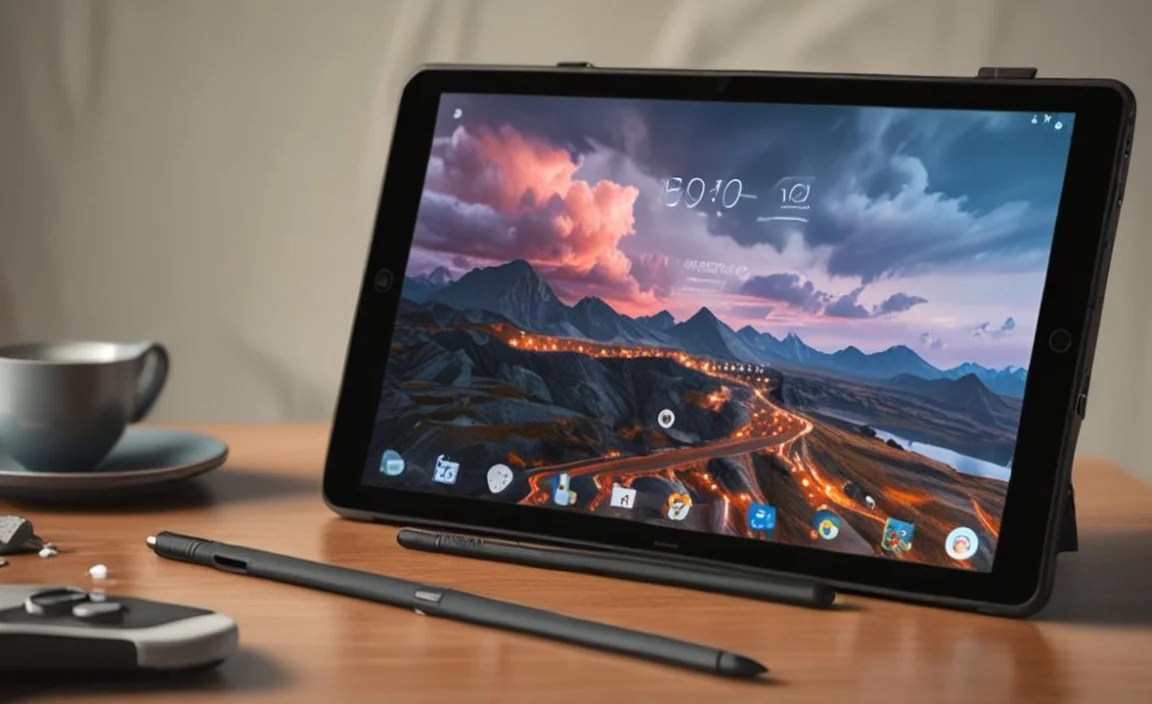
Let’s look at a hypothetical comparison to illustrate what you might find when shopping. Prices and exact specs fluctuate, but this gives you an idea of the trade-offs.
| Feature | Samsung Galaxy Tab A9 | Lenovo Tab M10 Gen 3 | Amazon Fire HD 10 (2023) |
|---|---|---|---|
| Display Size & Resolution | 8.7 inches, 1340×800 | 10.1 inches, 1920×1200 | 10.1 inches, 1920×1200 |
| Processor | MediaTek Helio G99 | MediaTek Helio P22T | MediaTek MT8183 |
| RAM | 4GB / 8GB | 3GB / 4GB | 3GB |
| Storage | 64GB / 128GB (expandable) | 32GB / 64GB (expandable) | 32GB / 64GB (expandable) |
| Battery | 5100 mAh | 5000 mAh | 7580 mAh |
| Wi-Fi | Wi-Fi 5 (ac) | Wi-Fi 5 (ac) | Wi-Fi 5 (ac) |
| Bluetooth | 5.3 | 5.0 | 5.3 |
| Typical Price Range (New) | $150 – $220 | $120 – $180 | $90 – $150 (often on sale) |
Analysis:
- The Samsung Galaxy Tab A9, especially the 8GB RAM version, stands out with a more modern processor (Helio G99) that will perform better. Its smaller screen resolution might be a slight drawback for some, but it’s still adequate.
- The Lenovo Tab M10 Gen 3 offers a Full HD display, which is a significant plus for clarity. However, its processor (Helio P22T) and 3GB RAM option are older and less powerful, which could lead to occasional performance hiccups compared to the A9.
- The Amazon Fire HD 10 is unbeatable on price, especially with its large battery and Full HD screen. The 3GB RAM and slightly older MediaTek chip are its weakest points for demanding tasks, and the Fire OS requires consideration. However, for pure streaming and affordability, it’s compelling.
When choosing, consider if a slightly sharper screen (Lenovo/Amazon) is more important than a snappier processor (Samsung), or if the absolute lowest price (Amazon) is the primary driver. Always check the latest reviews for the most up-to-date performance assessments.
Maximizing Your Cloud Gaming Experience
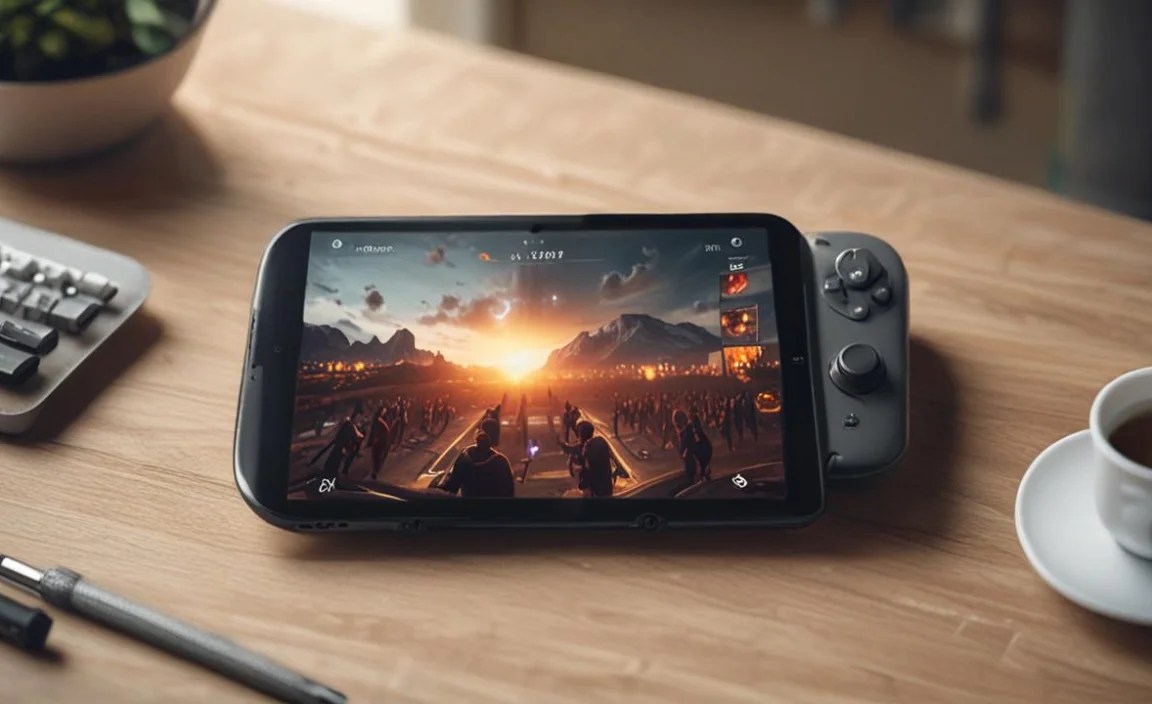
Even with a budget tablet, you can achieve a fantastic gaming setup. Here are some tips:
- Stable Internet is King: Seriously, this cannot be stressed enough. If your Wi-Fi is weak or your internet plan is slow, even the best tablet will struggle. Consider a mesh Wi-Fi system for better coverage if you have dead spots in your home.
- Wired Connection (if possible): If your tablet supports USB-C to Ethernet adapters, a wired connection will always be more stable and faster than Wi-Fi.
- Adjust In-Game Settings: If your cloud gaming service offers in-game graphics settings, consider lowering them slightly if you experience lag. Focus on reducing effects that heavily impact streaming quality.
- Use a Quality Controller: A laggy or unreliable controller can ruin the experience. Invest in a well-regarded Bluetooth controller if your budget allows beyond the tablet.
- Keep Your Tablet Cool: Overheating can cause performance throttling. Ensure your tablet has good ventilation, especially during long gaming sessions.

Your tech guru in Sand City, CA, bringing you the latest insights and tips exclusively on mobile tablets. Dive into the world of sleek devices and stay ahead in the tablet game with my expert guidance. Your go-to source for all things tablet-related – let’s elevate your tech experience!