Busy healthcare professionals, need an affordable tablet for patient notes, quick research, or secure communication? This guide compares budget-friendly options, focusing on reliability, ease of use, and essential features for clinical settings. We highlight top picks under $300, ensuring you get great value without compromising on important functions.
Navigating the world of tablets can feel overwhelming, especially when you’re looking for something reliable and affordable for professional use. In healthcare, a tablet can be a game-changer, helping you access patient records, look up vital information, or connect with colleagues on the go. But with so many choices, how do you pick the right one without breaking the bank?
Don’t worry, I’m here to help! As Walter Moore from Tabletzoo, I’ve spent countless hours researching and testing tablets. My goal is to make tech simple and accessible for everyone. This guide is designed to cut through the jargon and present you with the best cheap tablet options specifically for healthcare needs. We’ll break down what to look for, compare popular models, and help you make a confident decision.
Let’s get started on finding the perfect, budget-friendly tablet for your important work in healthcare.
Why Healthcare Professionals Need a Good Tablet (Even on a Budget)

In today’s fast-paced healthcare environment, efficiency and access to information are paramount. A reliable tablet can significantly streamline your workflow, allowing for quicker access to electronic health records (EHRs), medication databases, and patient information charts. This is especially true as many healthcare providers are moving towards paperless systems and requiring staff to access digital resources on the go.
Beyond patient care, tablets are fantastic tools for continuing education, attending virtual meetings, and staying updated on the latest medical research. Given the demanding nature of healthcare, having a device that is both portable and powerful can lead to better patient outcomes and reduced administrative burden. The challenge, of course, is finding devices that meet these needs without incurring significant costs.
Many professionals assume that technology suitable for healthcare demands high-end, expensive devices. However, the reality is that several budget-friendly tablets offer excellent performance, robust features, and the necessary security for medical use. The key is knowing what to prioritize and where to find the best value.
Key Features to Consider for Healthcare Tablets

When selecting a tablet for healthcare tasks, certain features become crucial. While a budget device might not have every bell and whistle, focusing on these essentials will ensure it’s practical and effective for your daily duties.
1. Operating System (OS) and App Compatibility
The operating system dictates the software and apps you can run. The most common options are:
- Android: Offers a wide range of apps from the Google Play Store, often found on more budget-friendly devices. It’s known for its flexibility and customization.
- iOS (Apple iPadOS): Known for its intuitive interface, strong app ecosystem, and often higher perceived security. However, iPads tend to be more expensive.
- Windows: Provides a full desktop-like experience, excellent for multitasking and running specialized Windows healthcare software. Often found on 2-in-1 devices.
For healthcare, ensure the tablet can run your institution’s required EHR software or any other crucial medical apps. Check app store availability and compatibility carefully.
2. Storage Space
Medical data, including patient notes, images, and research papers, can take up a lot of space. Look for a tablet with at least 64GB of internal storage, and ideally, one that allows for expandable storage via a microSD card. This prevents you from running out of room for essential files.
3. Screen Size and Resolution
A decent screen size (8-10 inches) makes reading text and viewing images easier, which is crucial for examining charts or reports. A good resolution (at least 1920×1080 pixels or Full HD) ensures clarity, reducing eye strain during long periods of use.
4. Battery Life
Long shifts mean you need a tablet that can last. Aim for a device that boasts at least 8-10 hours of continuous use on a single charge. This avoids the inconvenience of constantly searching for an outlet during busy periods.
5. Durability and Build Quality
Healthcare environments can be demanding. While budget tablets might not be ruggedized, look for solid build quality. Consider purchasing a protective case and a screen protector, which are often inexpensive but significantly improve durability and hygiene.
6. Connectivity (Wi-Fi and Optional Cellular)
Reliable Wi-Fi is essential for accessing network resources. If you need to access patient data or communicate outside of Wi-Fi zones, a cellular (LTE) model might be necessary, though these often add to the cost. For budget-conscious buyers, relying on Wi-Fi and using your smartphone as a hotspot can be a good alternative.
7. Security Features
Protecting patient data is non-negotiable. Check for features like fingerprint scanners, facial recognition, and strong encryption options. Ensure the OS is regularly updated to patch security vulnerabilities. Many healthcare institutions have specific IT policies regarding device security that you should verify.
8. Processor and RAM
While you don’t need a top-of-the-line processor for basic tasks, aim for at least 3GB or 4GB of RAM to ensure smooth multitasking. This will prevent slowdowns when switching between apps or handling multiple data streams.
Top Cheap Tablets Under $300 for Healthcare Use
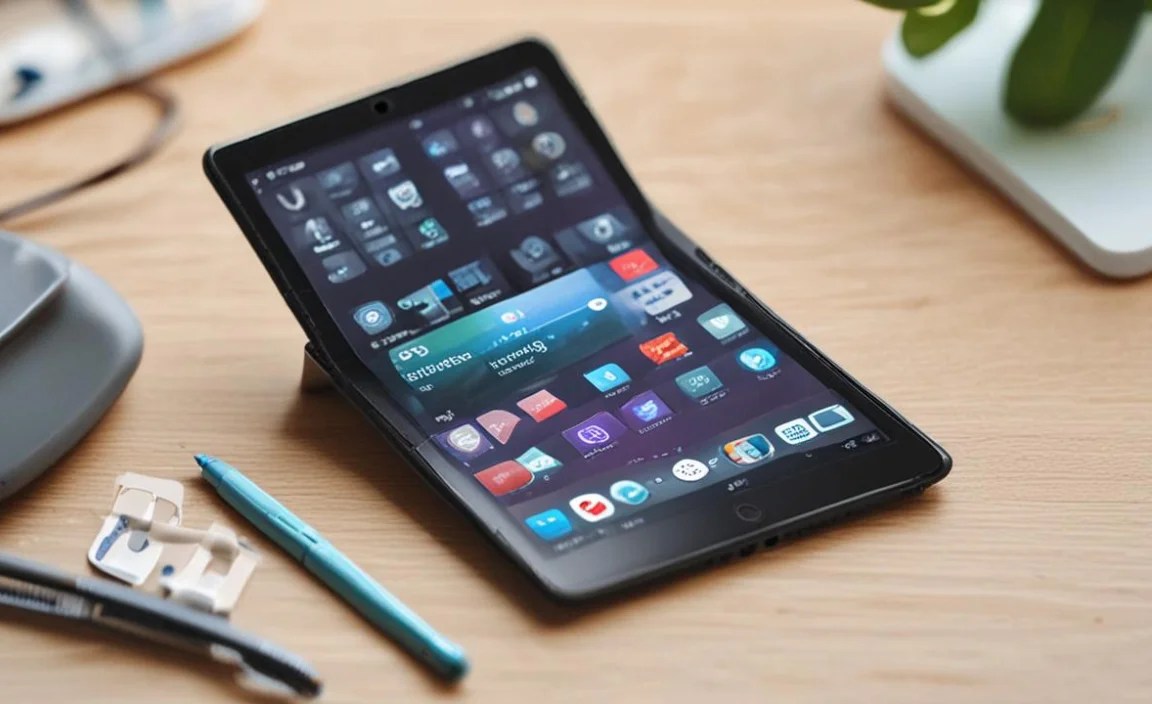
Finding quality without a hefty price tag is the goal. Here are some of the best budget-friendly tablets that offer good value and can be suitable for healthcare professionals. Prices are approximate and can fluctuate based on sales and retailers.
1. Amazon Fire HD 10 (Latest Generation)
- Pros: Very affordable, bright and clear 10.1-inch display, good battery life (up to 12 hours), decent performance for everyday tasks, offers hands-free Alexa functionality for quick lookups. Easy to use.
- Cons: Runs Amazon’s Fire OS (a modified Android), which means access to the full Google Play Store is limited. Many specialized healthcare apps may not be available natively, though web-based access is usually a workaround. Can feel less premium than others.
- Price: Typically $150-$200
- Best For: General access to web portals, reading, basic communication, and when specialized apps aren’t a strict requirement. Great for those already in the Amazon ecosystem.
2. Samsung Galaxy Tab A Series (e.g., Tab A7 Lite, Tab A8)
- Pros: Runs full Android with access to the Google Play Store, meaning most healthcare apps are compatible. Samsung’s screens are generally good quality. Often available in various storage sizes and sometimes with LTE options. Offers Samsung Kids for a secure interface if needed for non-work use.
- Cons: Performance can be a bit sluggish on the most basic models, especially when multitasking heavily. Build quality is good but not premium.
- Price: Typically $150-$280 depending on the model and configuration.
- Leo Note: The Samsung Galaxy Tab A8 is a sweeter spot in terms of performance and screen size for a bit more than the Lite.
- Best For: Professionals who need full Android app access, good screen clarity, and reliable everyday performance.
3. Lenovo Tab M Series (e.g., Tab M10 Plus)
- Pros: Lenovo often provides good build quality and decent performance for the price. Runs full Android with Google Play Store access. Displays are usually sharp, and battery life is competitive. Some models offer premium-feeling metal builds.
- Cons: Processor options can vary, so check specs carefully for smoother performance needs. Software updates might not be as frequent as other brands.
- Price: Typically $180-$270 for capable models.
- Best For: Those looking for a balanced option with good build quality and full Android functionality at a competitive price point.
4. Apple iPad (9th Generation – Occasionally Discounted)
- Pros: Excellent performance, top-tier app ecosystem, long-term software support, intuitive iPadOS, secure, great for note-taking with Apple Pencil (sold separately).
- Cons: It’s the most expensive option here, often pushing slightly above the $300 mark unless found on sale. Cellular models are significantly more expensive.
- Price: Usually starts around $329, but frequently goes on sale for $279-$300.
- Best For: Users who prefer the Apple ecosystem, need access to the widest range of high-quality apps, and can occasionally find it within budget during sales.
Comparison Table: Cheap Healthcare Tablets
Here’s a quick look at how these budget-friendly options stack up. Remember, specs can vary by exact model and retailer.
| Feature | Amazon Fire HD 10 | Samsung Galaxy Tab A8 | Lenovo Tab M10 Plus | Apple iPad (9th Gen) |
|---|---|---|---|---|
| Price Range (USD) | $150 – $200 | $180 – $280 | $180 – $270 | $279 – $329 (on sale) |
| Operating System | Fire OS (Modified Android) | Android | Android | iPadOS |
| Screen Size | 10.1 inches | 10.5 inches | 10.6 inches | 10.2 inches |
| Storage Options (Base) | 32GB / 64GB | 64GB / 128GB | 64GB / 128GB | 64GB |
| Expandable Storage | Yes (microSD) | Yes (microSD) | Yes (microSD) | No |
| Typical Battery Life | Up to 12 hours | Up to 10-12 hours | Up to 10 hours | Up to 10 hours |
| App Store Access | Amazon Appstore (Limited Google Play) | Google Play Store | Google Play Store | Apple App Store |
Tips for Maximizing Your Cheap Tablet’s Usefulness
Even with a budget device, you can enhance its performance and utility for healthcare tasks.
- Invest in a Good Case and Screen Protector: This is non-negotiable for a device used in a professional setting. It protects against drops, spills, and makes cleaning easier. Look for cases with antimicrobial properties. A stylus can also be very useful for precise note-taking.
- Manage Storage Wisely: Regularly transfer files to cloud storage (like Google Drive, OneDrive, or your institution’s secure cloud) or a computer. Uninstall apps you don’t use.
- Optimize Battery Usage: Reduce screen brightness, limit background app activity, and disable features you don’t need (like GPS or Bluetooth) when not in use.
- Utilize Cloud Services: For critical data, always back up to a secure cloud service. Many healthcare organizations provide secure cloud storage solutions. Always adhere to your institution’s data privacy policies regarding cloud storage and device usage. For more on handling sensitive data, check out the U.S. Department of Health & Human Services guidance on HIPAA Security Rule: HIPAA Security Rule.
- Keep Software Updated: Regularly check for and install OS and app updates. These often include crucial security patches, improving your device’s safety for handling sensitive information.
- Use Secure Wi-Fi Networks: When accessing patient data or sensitive information, always connect to trusted Wi-Fi networks. Avoid public, unsecured Wi-Fi hotspots.
- Explore Web-Based Alternatives: If a specific healthcare app isn’t available on a more restricted OS like Fire OS, check if your institution offers a web portal

Your tech guru in Sand City, CA, bringing you the latest insights and tips exclusively on mobile tablets. Dive into the world of sleek devices and stay ahead in the tablet game with my expert guidance. Your go-to source for all things tablet-related – let’s elevate your tech experience!