Looking for affordable tech to fuel your writing? Discover the best cheap tablets for writers. This guide breaks down what to look for, essential features, and top picks under $300, ensuring you can boost your productivity without breaking the bank.
Hey there, fellow wordsmiths! Walter Moore here from Tabletzoo. If you’re a writer on a budget, the idea of a new tablet might seem like a distant dream. You see those sleek, powerful devices everywhere, and your wallet starts to feel a little light. But guess what? You don’t need to spend a fortune to get a fantastic tool for drafting, editing, and brainstorming your next masterpiece.
Many of us think that the best writing gadgets come with hefty price tags. This can be a real frustration when you’re trying to focus on your craft, not your cash. The good news? The tablet market has some brilliant, budget-friendly options that are perfect for writers.
In this guide, we’ll dive into what really matters when choosing an affordable tablet for your writing needs. We’ll explore key features, ditch the confusing jargon, and highlight some amazing value picks. Ready to find your perfect portable writing companion? Let’s get started!
Why a Tablet is a Writer’s Best Friend
Tablets offer a unique blend of portability and functionality that can be a real game-changer for writers. Think about it: no more being tied to a bulky laptop or a desktop computer. You can jot down that brilliant idea on the bus, draft chapter one at your favorite coffee shop, or edit on the fly while traveling.
The flexibility of tablets means your creative flow doesn’t have to stop just because you’ve left your primary workspace. They’re lightweight, have long battery lives, and can connect to Wi-Fi almost anywhere. Plus, with the right apps, they can rival traditional computers for many writing tasks.
Key Features Every Writer Should Look For in a Cheap Tablet
When you’re on the hunt for a budget-friendly tablet, it’s easy to get lost in a sea of specs. But for writers, certain features are more important than others. Let’s focus on what truly matters to keep you writing smoothly and efficiently.
1. Screen Size and Quality
The screen is your window into your writing world, so it needs to be comfortable for long sessions.
Size Matters: For writing, a screen between 8 and 10 inches is generally a sweet spot. Too small, and it feels cramped. Too large, and it starts to lose that portability advantage. A 10-inch screen offers a good balance for reading and typing.
Resolution: Look for at least an HD (1280 x 800) resolution. Higher resolutions (like Full HD 1920 x 1080) make text sharper and easier on the eyes, reducing strain during extended writing periods.
Brightness and Viewing Angles: Crucial if you plan to write outdoors or in various lighting conditions. A bright, clear display that doesn’t wash out when viewed at an angle is a big plus.
2. Keyboard Compatibility and Typing Experience
While you can use an on-screen keyboard, it’s rarely ideal for serious writing.
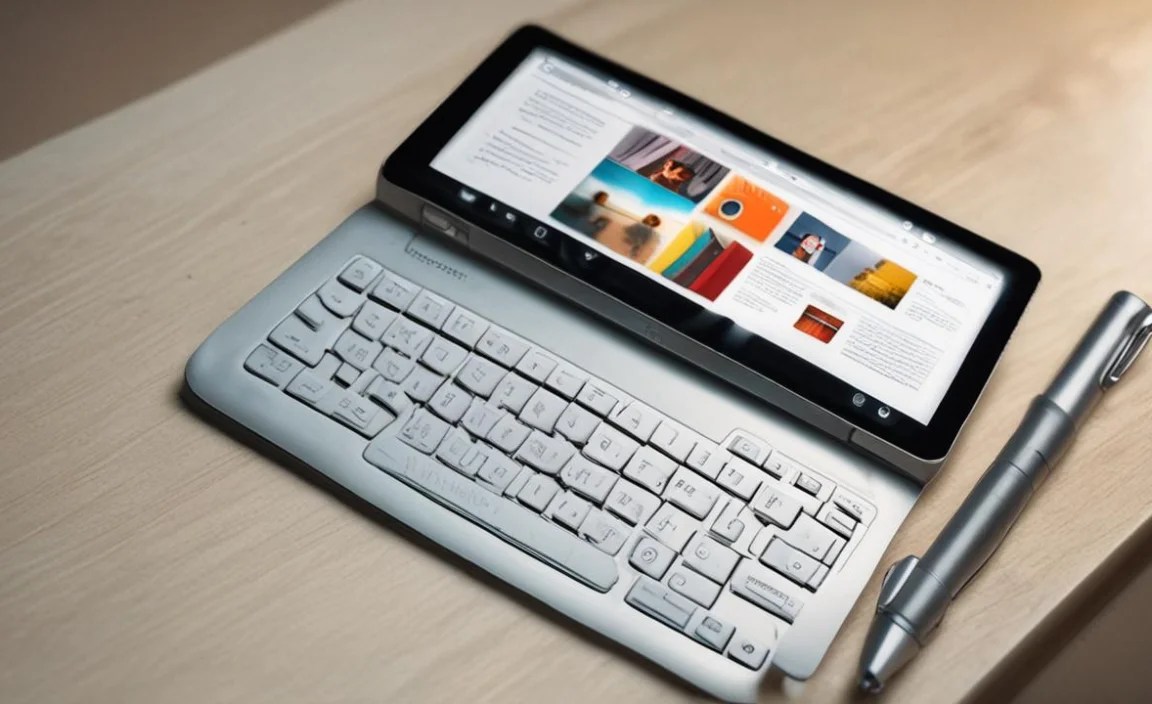
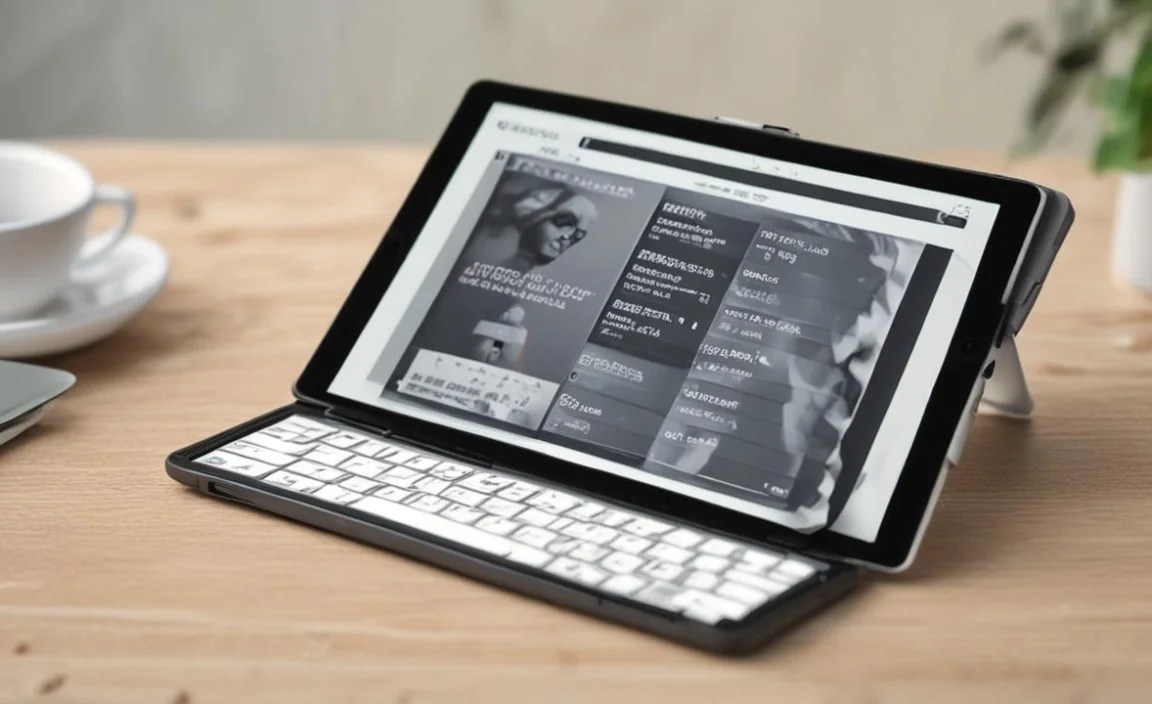
Detachable Keyboard Options: Many budget tablets offer optional detachable keyboard cases. These transform your tablet into a mini-laptop experience without the laptop price. Look for reviews that mention key travel and layout quality.
Bluetooth Keyboard Support: If a specific tablet doesn’t have a dedicated keyboard case, ensure it has reliable Bluetooth connectivity. This allows you to pair a separate, comfortable Bluetooth keyboard you might already own or can buy affordably.
Stylus Support (Optional but Nice): If you prefer handwriting notes or brainstorming with mind maps, stylus support can be a great addition. Not all budget tablets offer this, but it’s worth checking if it aligns with your workflow.
3. Storage Space
Writing documents, even basic text files, can add up. Consider how much space you’ll need.
Internal Storage: Aim for at least 32GB of internal storage. 64GB or more is ideal if you plan to install many apps, store offline documents, or keep media files on your device.
Expandable Storage: A microSD card slot is a lifesaver! It allows you to easily and affordably expand your storage capacity for documents, e-books, and other files. This feature is a must-have for budget-conscious buyers.
4. Battery Life
For writers on the go, battery life is paramount. You don’t want to be hunting for an outlet mid-chapter.
Target Hours: Look for tablets that boast at least 8-10 hours of battery life on a single charge. Many budget devices actually perform well in this regard as they often have less power-hungry processors and lower-resolution screens.
Type-C Charging: While not essential for all, USB-C charging is becoming standard and offers faster charging speeds than older micro-USB ports.
5. Performance (Processor and RAM)
You don’t need a powerhouse for basic writing, but a sluggish tablet can kill productivity.
Processor: A quad-core processor is usually sufficient for running writing apps and multitasking. Avoid tablets with very basic dual-core processors if possible, as they can lead to lag.
RAM (Memory): 2GB of RAM is the absolute minimum. 3GB or 4GB will provide a smoother experience, especially if you frequently switch between apps or have multiple browser tabs open.
6. Operating System and App Ecosystem
The OS dictates the apps available and the overall user experience.
Android: Offers a vast library of apps on the Google Play Store, including excellent writing apps like Google Docs, Microsoft Word, Evernote, and specialized creative writing tools. Android tablets are also known for their affordability and flexibility, especially with expandable storage.
iPadOS (Apple): While often more expensive, older or refurbished iPads can sometimes be found at tempting prices. iPadOS is incredibly user-friendly and has a robust app store. However, accessories like keyboards can add to the cost.
Windows: Windows tablets offer a full desktop experience, meaning you can run virtually any software you would on a laptop. They can be more expensive, but budget options do exist, especially from lesser-known brands.
Top Cheap Tablet Picks for Writers Under $300
Finding the “best” cheap tablet is subjective and depends on your specific needs and priorities. However, based on current market offerings and balancing price with essential features for writers, here are some categories and examples that consistently deliver great value.
1. The Android All-Rounder: Amazon Fire Tablets
Amazon’s Fire tablets are incredibly popular for a reason: unbeatable price points for decent functionality. For writers, they offer a no-frills, affordable way to get online and use writing apps.
Pros: Extremely affordable, good battery life, decent screen for the price, access to Amazon’s app store (with options like Google Docs via web browser or some workarounds for full Google Play access on certain models).
Cons: Amazon’s Fire OS is a modified version of Android, meaning no direct access to the Google Play Store on most models (though workarounds exist for the technically inclined). Performance can be sluggish for demanding tasks.
Best For: Writers who primarily use cloud-based writing tools (like Google Docs through a browser) and don’t need a lot of local storage or intensive app usage. The Amazon Fire HD 10 is often cited as the best bang for your buck.
Example: Amazon Fire HD 10 (often available for under $150) is a popular choice due to its 10.1-inch display and capable performance for basic tasks.
2. The Feature-Rich Budget Champion: Various Android Brands

Beyond Amazon, a host of Android manufacturers offer tablets that punch above their weight class in the budget segment. Brands like Samsung, Lenovo, and occasionally others provide solid alternatives.
Samsung Galaxy Tab A Series: Samsung’s A-series tablets are consistently good value. They offer clean Android interfaces, good build quality, and often come with features like expandable storage and decent battery life.
Lenovo Tab Series: Lenovo offers a wide range of budget-friendly Android tablets. Models like the Lenovo Tab M10 or P11 series often provide a good balance of screen size, performance, and build quality for the price.
Pros: Often include essential features like expandable storage, full access to the Google Play Store, and cleaner Android experiences. Better build quality than some ultra-cheap unknown brands.
Cons: Prices can creep up towards the $200-$300 mark, but you’re getting more features and reliability. Performance can vary significantly between models.
Best For: Writers who want a full Android experience with access to all apps, expandable storage, and a reliable device for everyday writing and general use.
Example: A mid-range Samsung Galaxy Tab A or a Lenovo Tab P11 can often be found within the $200-$300 range, offering larger screens and better specs than entry-level models.
3. The Refurbished/Older iPad Option
While new iPads are generally outside a “cheap” budget, you can often find excellent deals on refurbished or older models directly from Apple or reputable retailers. This can be a smart way to get into the Apple ecosystem.
Pros: iPadOS is renowned for its smooth performance, ease of use, and excellent app selection. Apple’s build quality is top-notch. Refurbished devices come with a warranty.
Cons: Original price point is higher, making “cheap” options harder to find. Accessories like keyboards can be expensive. Limited internal storage on base models.
Best For: Writers who prefer the Apple ecosystem, value simplicity and performance, and are willing to search for deals on older models or refurbished units. An older iPad Air or a base model iPad can be a fantastic writing tool if found at a good price.
Example: A refurbished iPad (7th or 8th generation) might consistently fall within the $250-$350 range during sales or from Apple’s certified refurbished store. Always check Apple’s official refurbished site for deals.
4. The Windows Tablet Budget Entry
For some writers, a tablet that runs full Windows is essential for compatibility with specific software. While high-end Surface Pros are expensive, some companies offer more affordable Windows tablets.
Pros: Runs full desktop Windows, allowing you to use familiar software like Microsoft Word natively without compromises.
Cons: Often have lower build quality, less impressive screens, and shorter battery life compared to Android or iPad counterparts in the same price bracket. Performance for demanding tasks can be limited.
Best For: Writers who absolutely need a Windows environment for specific desktop software and need the ultimate in compatibility, even if it means compromising slightly on other aspects.
Example: Look for brands that specialize in budget Windows tablets. However, always read reviews carefully, as performance and reliability can be inconsistent in this segment.
Essential Accessories for Your Writing Tablet
Once you’ve picked out your perfect budget tablet, don’t forget the accessories that can elevate your writing experience significantly.
1. A Comfortable Keyboard
This is arguably the most important accessory for a writer.
Official Keyboard Cases: If available for your chosen tablet, these often offer the best integration and typing feel.
Third-Party Bluetooth Keyboards: Many affordable and well-reviewed Bluetooth keyboards are available. Look for slim profiles, good key travel, and long battery life. Brands like Logitech, Anker, and Arteck offer great options.
Keyboard & Mouse Combo: Some users prefer the added precision of a mouse for editing and navigating documents. Many Bluetooth keyboard kits include a mouse for a complete workstation.
2. A Protective Case/Sleeve
Your tablet needs protection, especially if you plan to carry it around.
Folio Cases: These often include a built-in stand and sometimes a keyboard, offering protection and functionality in one.
Rugged Cases: If you’re particularly hard on your gear or write in less-than-ideal environments, a rugged case provides maximum protection.
Neoprene Sleeves: A simple and affordable way to protect your tablet from scratches when it’s inside a bag.
3. External Storage (MicroSD Card)
As mentioned, this is a budget writer’s best friend.
MicroSD Cards: If your tablet has a microSD card slot, pick up a reasonably priced card (32GB, 64GB, or 128GB) to vastly increase your storage capacity for documents, research, and e-books without paying for a tablet with more internal storage.
4. Stylus (If Supported)
For note-taking, mind-mapping, or annotating manuscripts.
Active Styluses: These offer more features like pressure sensitivity but are usually more expensive and only work with certain tablet models.
Capacitive Styluses: Simpler, cheaper styluses that mimic a fingertip. They are great for basic note-taking and navigation. Ensure compatibility; some active styluses are brand-specific (e.g., Apple Pencil for iPads, Samsung S Pen for certain Galaxy Tabs).
Software & Apps for Writers on a Budget Tablet
The right apps can make your budget tablet a powerful writing hub. Here are some essentials, most of which are free:
Google Docs: Free, cloud-based, and widely compatible. Available on Android and iPadOS. Excellent for collaborative writing and syncing across devices.
Microsoft Word (via Microsoft 365 mobile app): The familiar word processor is available for free on Android and iPadOS for basic editing and document creation. A subscription might be needed for advanced features.
Evernote/OneNote: Fantastic for note-taking, organizing research, and collecting ideas. Both have free tiers that are very generous.
Scrivener (iPadOS/macOS/Windows): While Scrivener itself isn’t free (a one-time purchase), its iPad version is significantly cheaper than the desktop version and is a powerful tool for novelists and long-form writers. The mobile app allows you to take your project with you.
Google Keep/Apple Notes: Simple, built-in apps for quick notes and reminders, perfect for jotting down thoughts on the go.
Kindle App/Libby: For accessing research materials, reading classic literature, or diving into your next book for inspiration.
* Focus/Distraction-Free Writing Apps: Look for apps that offer minimalist interfaces to help you concentrate. Many have free or low-cost options on app stores.
Comparing Popular Budget Tablet Options for Writers
Let’s look at a table to visualize how some common budget-friendly options stack up, keeping writer-centric features in mind. Prices fluctuate, so consider these as general indicators.
| Tablet Model | Estimated Price Range | Screen Size | Storage Options | Expandable Storage | Keyboard Support | Operating System | Writer’s Pro | Writer’s Con |
|---|---|---|---|---|---|---|---|---|
| Amazon Fire HD 10 | $100 – $200 | 10.1 inches | 32GB / 64GB | Yes (MicroSD) | Yes (Official Case & Bluetooth) | Fire OS (Modified Android) | Excellent value, decent screen, good battery. | Limited app store access (no Google Play by default). |
| Samsung Galaxy Tab A (various) | $150 – $250 | 8 – 10.5 inches | 32GB / 64GB | Yes (MicroSD) | Yes (Bluetooth) | Android | Full Google Play Store, reliable Samsung quality. | Can be pricier for higher specs. |
| Lenovo Tab M Series (e.g., M10) | $120 – $200 | 10 inches | 32GB / 64GB | Yes (MicroSD) | Yes (Bluetooth) | Android | Good screens for the price, competitive features. | Performance can vary; check specific model reviews. |
| Refurbished iPad (7th/8th Gen) | $250 – $350 | 10.2 – 10.5 inches | 32GB / 128GB | No | Yes (Bluetooth & Smart Keyboard options) | iPadOS | Smooth performance, excellent build, great app ecosystem. | No expandable storage, accessories are costly. |
| Budget Windows Tablet (e.g., Chuwi, Teclast) | $150 – $300 | 10 – 12 inches | 64GB / 128GB | Yes (MicroSD, often) | Yes (Bluetooth/Attachable) | Windows 10/11 | Full Windows OS for software compatibility. | Often compromises on screen quality, battery, and build. |
Tips for Making the Most of Your Budget Tablet

Purchasing a cheap tablet is just the first step. Here’s how to maximize its potential for your writing career:
1. Prioritize Writing Apps: Download your core writing and note-taking apps first. Ensure they function well on your device.
2. Utilize Cloud Syncing: Services like Google Drive, Dropbox, or OneDrive are essential for backing up your work and accessing it from other devices.
3

Your tech guru in Sand City, CA, bringing you the latest insights and tips exclusively on mobile tablets. Dive into the world of sleek devices and stay ahead in the tablet game with my expert guidance. Your go-to source for all things tablet-related – let’s elevate your tech experience!