Finding a tablet that can handle your manga addiction without breaking a sweat is easier than you think! We’ve handpicked the most reliable and long-lasting devices. Get ready to dive into your favorite stories with confidence.
Reading manga digitally is a dream for many fans. It’s convenient, eco-friendly, and gives you access to a universe of stories right at your fingertips. But let’s be honest, not all tablets are created equal. Some are fragile, have screens that strain your eyes, or die on you halfway through a chapter. It can be frustrating to invest in a device only to find it’s not quite up to the task of endless reading sessions, especially if you’re prone to the occasional accidental drop.
Don’t worry, though! We’re here to help you navigate the tech landscape. This guide will walk you through what makes a tablet “durable” for manga readers and present you with some absolute winner picks. We’ll break down what to look for, why it matters, and which models are worth your hard-earned cash. Get ready to find your perfect manga companion.
Why Durability Matters for Manga Readers

Manga reading isn’t just a quick glance; it’s an immersion. You spend hours with your tablet, often in various environments – curled up on the couch, on a train, or even outdoors. This means your tablet needs to be more than just a pretty screen. Durability for a manga reader translates into a few key areas:
- Build Quality: How well is the tablet constructed? Is it made of sturdy materials that can withstand everyday bumps and jostles?
- Screen Resilience: Manga often features intricate artwork. A durable screen means it’s less likely to scratch or crack, preserving the visual quality you love.
- Battery Life: Long chapters and entire volumes demand a battery that won’t quit. Durability here means a battery that holds its charge reliably over time.
- Water/Dust Resistance: Accidents happen. A little bit of spill or dust shouldn’t mean the end of your manga device.
- Overall Longevity: A durable tablet is an investment that lasts, saving you money and hassle in the long run.
Think about it: You’re likely holding the tablet for extended periods. If it feels flimsy, you’re more prone to dropping it. If the screen is too delicate, a stray key in your bag could spell disaster. We want a device that feels solid, performs reliably, and can take a bit of life’s wear and tear. This isn’t about buying a ruggedized tablet used in construction sites, but rather a well-built device that offers peace of mind.
Key Features to Look For in Durable Manga Tablets

When you’re on the hunt for the best durable tablet for your manga adventures, keep these features in mind. They’ll help you make an informed decision and ensure you get a device that truly fits your needs.
1. Display Quality and Size
This is paramount for manga. You want to see those panels crisp and clear.
- Resolution: Higher resolution (like Full HD or QHD) means sharper text and more detailed artwork. This is crucial for appreciating the artist’s work.
- Panel Type: IPS LCD panels generally offer excellent color reproduction and wide viewing angles, which are great for reading.
- Brightness: Sufficient brightness allows you to read comfortably in various lighting conditions, from dimly lit rooms to bright cafes.
- Screen Size: Most readers prefer a screen size between 8 and 11 inches. This offers a good balance between immersion and portability. A larger screen means fewer page turns and more detail visible.
- Screen Protection: While not always explicitly advertised as “durable,” features like strengthened glass (e.g., Gorilla Glass) offer an extra layer of protection against scratches and minor impacts.
2. Build Materials and Design
The physical construction significantly impacts a tablet’s durability.
- Metal Unibody: Tablets with a solid aluminum or similar metal construction tend to be more robust than those with plastic backs. They feel more premium and resist bending or cracking better.
- Bezel Size: Thicker bezels, while sometimes considered less modern, can offer a better grip and provide some shock absorption if the tablet is dropped face-down.
- Weight: While not directly a measure of durability, an overly light tablet might suggest thinner materials. Conversely, a tablet that feels substantial often indicates solid construction.
3. Battery Life and Charging
Marathon reading sessions require a marathon battery.
- Capacity (mAh): Look for tablets with a large battery capacity. This is usually measured in milliampere-hours (mAh). More mAh generally means longer use time.
- Efficient Processor: A power-efficient processor can extend battery life without sacrificing performance.
- Fast Charging: When you do need to top up, fast charging capabilities mean less downtime and more reading time.
4. Storage Options
Manga files, especially high-resolution ones, can take up a lot of space.
- Internal Storage: Aim for at least 64GB, but 128GB or more is ideal if you plan to download many volumes or other media.
- Expandable Storage: A microSD card slot provides a cost-effective way to increase storage capacity in the future.
5. Processing Power and RAM
While you don’t need a gaming powerhouse, a smooth experience is key.
- Smooth Page Turns: A decent processor and sufficient RAM (4GB or more is generally good) will ensure that manga apps load quickly and page turns are fluid, without lag.
- App Compatibility: Ensure the tablet runs the latest versions of Android or iOS to guarantee compatibility with your favorite manga reading apps.
6. Water and Dust Resistance (IP Rating)
This is a significant factor for enhanced durability. An IP (Ingress Protection) rating indicates how well a device is protected against solid objects (like dust) and liquids.
- IPX4: Protected against water splashes from any direction. Good for poolside reading or accidental spills.
- IP67/IP68: Can withstand submersion in water for a certain period and are dust-tight. This offers the highest level of protection, though it’s less common in mainstream tablets.
For manga reading, an IPX4 rating is a solid “nice-to-have” for peace of mind, while higher ratings are a bonus for truly accident-prone readers.
Expert Essential Picks: Durable Tablets For Manga

After considering all the factors that contribute to a durable and enjoyable manga reading experience, here are my top picks. These tablets balance build quality, screen performance, battery life, and overall reliability.
1. Apple iPad (Standard Model)
The standard iPad remains a top choice for a reason: versatility, durability, and a fantastic ecosystem. While not explicitly marketed as “rugged,” Apple’s build quality is renowned.
- Display: 10.2-inch or 10.9-inch Retina display with a good resolution (2160 x 1620 or 2360 x 1640), offering crisp visuals.
- Build: Solid aluminum unibody construction that feels premium and durable.
- Battery Life: Typically offers up to 10 hours of web surfing or video playback, which translates to many chapters of manga.
- Storage: Available in 64GB and 256GB configurations. (Note: No expandable storage).
- Performance: More than capable of running manga apps smoothly.
- Durability Factor: Excellent build quality, though screen protection isn’t explicitly stated as highly reinforced. A good case is recommended.
- Price Point: Mid-range, making it accessible for many.
Why it’s great for manga: The screen is bright and color-accurate, and the display size is comfortable for reading. The sheer ease of use and the vast library of well-optimized apps in the App Store are huge draws. Apple’s devices are known for their longevity.
2. Samsung Galaxy Tab S9 FE / S9 FE+
Samsung’s Fan Edition (FE) line often balances premium features with a more approachable price, and the Tab S9 FE series excels in durability for its class.
- Display: 10.9-inch (FE) or 12.4-inch (FE+) LCD display with a crisp resolution (2304 x 1440).
- Build: Features an IP68 water and dust resistance rating, which is a significant advantage for durability. The chassis is generally robust.
- Battery Life: Large batteries (10,090 mAh for FE, 10,090 mAh for FE+) are designed for long usage sessions.
- Storage: Comes with 128GB or 256GB internal storage, expandable via microSD card up to 1TB.
- Performance: The MediaTek Dimensity 900 chip provides solid performance for everyday tasks and reading.
- Durability Factor: IP68 rating is a standout feature, providing excellent protection against spills and submersion.
- Price Point: Mid-range to upper mid-range.
Why it’s great for manga: The IP68 rating is a game-changer for worry-free reading by the pool or during a snack. The larger screen size on the FE+ is fantastic for immersion, and the expandable storage is a bonus for large manga libraries.
3. Amazon Fire HD 10
For budget-conscious readers who still want a reliable device, the Amazon Fire HD 10 is a surprisingly durable and capable option. Amazon frequently updates these, so look for the latest generation.
- Display: 10.1-inch Full HD (1920 x 1200) display. It’s bright enough for most indoor reading.
- Build: Amazon’s Fire tablets are known for their sturdy plastic construction. They feel more robust than many other budget tablets and can handle bumps well.
- Battery Life: Advertised up to 12 hours of mixed-use, which is excellent for extended reading.
- Storage: Available in 32GB and 64GB versions, expandable via microSD card up to 1TB.
- Performance: Adequate for reading manga and browsing. It’s not a powerhouse, but it gets the job done for its intended purpose.
- Durability Factor: Surprisingly durable plastic build that can withstand drops better than many ultrathin tablets.
- Price Point: Very affordable, especially during Amazon sales.
Why it’s great for manga: Unbeatable value. The screen is good for the price, battery life is impressive, and the build feels solid, making it a dependable choice for casual reading without breaking the bank. You might need to sideload some manga reading apps if they aren’t on the Amazon Appstore, but there are simple ways to do this.
4. Lenovo Tab P11 (2nd Gen)
Lenovo’s P-series tablets aim for a blend of multimedia and productivity, often with good build quality and competitive pricing.
- Display: 11.5-inch LCD with a 2K resolution (2000 x 1200), offering great detail for manga panels.
- Build: Features a metal back panel that gives it a more premium and durable feel than all-plastic alternatives.
- Battery Life: A substantial 7,700 mAh battery provides ample reading time, typically around 8-10 hours of active use.
- Storage: Available in configurations up to 128GB, with microSD card expansion.
- Performance: Uses a MediaTek Helio G99 processor, which is a capable chip for smooth performance in reading apps.
- Durability Factor: Good metal construction and a generally solid feel under hand.
- Price Point: Mid-range.
Why it’s great for manga: The larger 11.5-inch screen is excellent for immersive reading, and the 2K resolution makes artwork pop. The metal build adds a reassuring sense of durability.
5. Google Pixel Tablet
Google’s first tablet in years offers a premium experience with a unique dock that enhances its utility, and it’s built to last.
- Display: 10.95-inch LCD with a 2560 x 1600 resolution. Very sharp and vibrant.
- Build: Features a unique ceramic finish on the back, which is surprisingly scratch-resistant and feels high-end. Solid aluminum frame.
- Battery Life: Around 12 hours of advertised video playback, meaning it will easily last through long manga sessions.
- Storage: Comes with 128GB or 256GB of internal storage, but no microSD card slot.
- Performance: Powered by Google Tensor G2, it’s very speedy and smooth for all tasks, including manga apps.
- Durability Factor: High-quality materials and excellent build. The ceramic back is a unique protective feature.
- Price Point: Upper mid-range to premium.
Why it’s great for manga: The high-resolution screen is a joy for detailed artwork. The build quality feels exceptional, and the smooth performance makes flipping pages and navigating apps a seamless experience. The included charging speaker dock also means it can easily be placed on a stand for hands-free reading.
Durability Comparison Table
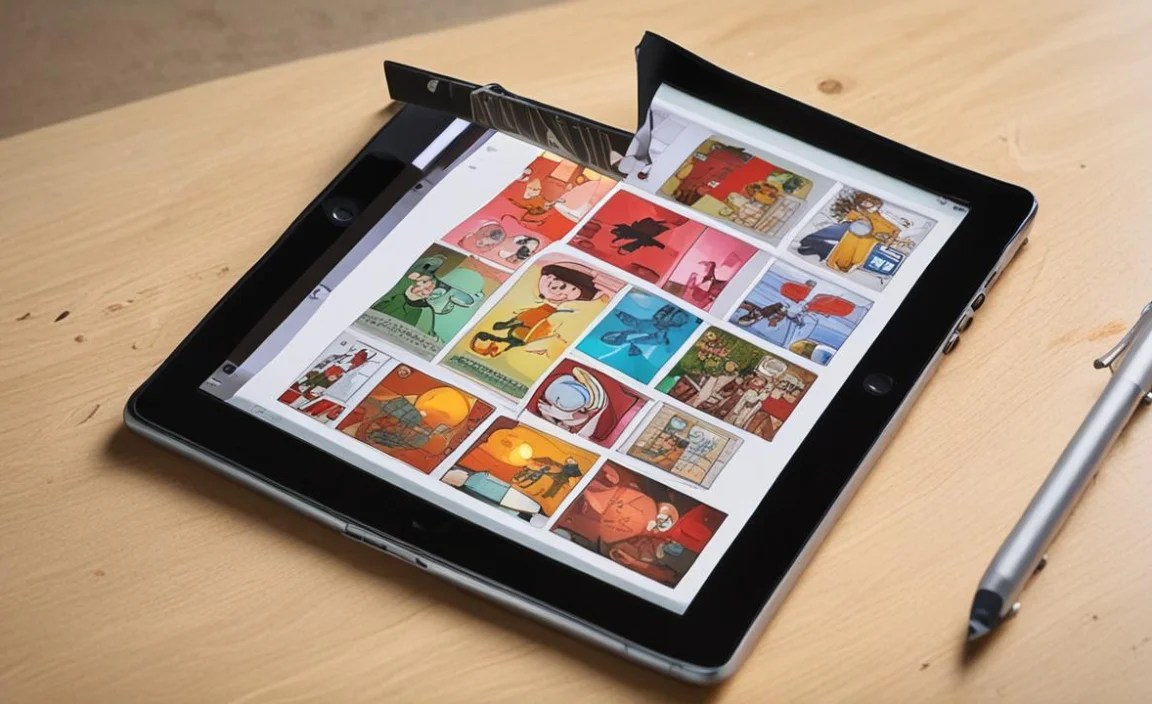
Here’s a quick look at how these top picks stack up in terms of specific durability and reader-friendly features.
| Tablet | Display Size | Resolution | Build Material | IP Rating | Battery Life (Approx.) | Expandable Storage | Price Range |
|---|---|---|---|---|---|---|---|
| Apple iPad (Standard) | 10.2″ / 10.9″ | ~2160×1620 | Aluminum Unibody | None | 10 Hours | No | Mid-Range |
| Samsung Galaxy Tab S9 FE / FE+ | 10.9″ / 12.4″ | 2304×1440 | Metal Frame/Body | IP68 | 8-10+ Hours | Yes (microSD) | Mid-to-Upper Mid-Range |
| Amazon Fire HD 10 | 10.1″ | 1920×1200 | Durable Plastic | None | 12 Hours | Yes (microSD) | Budget |
| Lenovo Tab P11 (2nd Gen) | 11.5″ | 2000×1200 | Metal Back Panel | None | 8-10 Hours | Yes (microSD) | Mid-Range |
| Google Pixel Tablet | 10.95″ | 2560×1600 | Ceramic Back, Aluminum Frame | None | 12 Hours | No | Upper Mid-Range |
Note: Battery life estimations are based on manufacturer claims for mixed use and can vary significantly with actual usage.
Tips for Maximizing Your Manga Tablet’s Lifespan

Even the most durable tablet can benefit from a bit of TLC. Here are some simple tips to keep your device in top shape for years of manga enjoyment:
- Invest in a Quality Case: This is the single most important accessory for any tablet, especially if it doesn’t have an official IP rating. A good case with reinforced corners can absorb significant impact. Look for ones with a built-in stand for comfortable reading.
- Use a Screen Protector: A tempered glass screen protector adds an essential layer of defense against scratches and can even provide some protection against cracks if the tablet is dropped face-down.
- Handle with Care: Try to avoid extreme temperatures, and be mindful of where you place your tablet. Don’t leave it on the edge of a table where it can easily be knocked off.
- Keep it Clean: Regularly wipe down your screen and body with a soft, lint-free cloth. For dust and grime in ports, use compressed air.
- Manage Storage: Don’t push your storage to the absolute limit, as this can sometimes slow down performance and, in the long run, potentially affect device health.
- Update Software Regularly: Operating system updates often include performance improvements and security patches that can help your device run more efficiently and remain secure.
- Avoid Overcharging (for older battery tech): While modern batteries and charging systems are quite smart, it’s generally good practice not to leave your tablet plugged

Your tech guru in Sand City, CA, bringing you the latest insights and tips exclusively on mobile tablets. Dive into the world of sleek devices and stay ahead in the tablet game with my expert guidance. Your go-to source for all things tablet-related – let’s elevate your tech experience!