Thinking about bringing a tablet on your next camping trip? It’s a great idea for entertainment, navigation, and even capturing memories! But with so many options, picking the right one can feel overwhelming. Don’t worry, I’m here to help! We’ll walk through everything you need to know, from ruggedness to battery life, to find the perfect camping companion for your adventures. Get ready to make an informed choice!
Why You Need a Camping-Ready Tablet
Camping is an amazing way to disconnect from the daily grind, but that doesn’t mean you have to go completely tech-free. A tablet can be an incredible asset in the great outdoors. Imagine navigating to your campsite with ease, identifying constellations with an astronomy app, or unwinding with an ebook by the campfire. However, traditional tablets might not survive the elements. That’s where a camping-ready tablet comes in. It’s designed to withstand drops, dust, and even water, offering peace of mind so you can focus on enjoying nature.
Durability is Key: What to Look For
When we talk about durability for a camping tablet, it’s not just about being a little tough. We’re talking about features that protect your investment from the realities of outdoor life. Think about it: you’ll be setting up tents, hiking over uneven terrain, and possibly encountering unexpected rain. A tablet built for these conditions will save you a lot of headaches (and money).
Ruggedness Ratings: IP and MIL-STD
The first thing to understand is how to quantify durability. This is where special ratings come into play:
- IP Rating (Ingress Protection): This is a two-digit number. The first digit tells you how well it’s protected against solids (like dust and sand), and the second digit tells you about its protection against liquids (like water). For camping, you’ll want a high rating. For solids, a ‘6’ is best (dust-tight). For liquids, aim for at least an ‘7’ (temporary submersion) or ‘8’ (continuous submersion under specified pressure and time).
- MIL-STD-810G (or the newer MIL-STD-810H): This is a set of military standards for testing equipment in harsh environments. Tablets tested to these standards have undergone rigorous trials like drops, extreme temperatures, vibration, and humidity. It’s a good indicator of tough build quality.
When looking at product descriptions, keep an eye out for these ratings. A tablet that boasts, for example, an IP68 rating and MIL-STD-810H certification is a strong contender for roughing it.
Screen Toughness
The screen is often the most vulnerable part of any tablet. For camping, you want a display that can handle a bump or two. Look for tablets that use strengthened glass, like Corning® Gorilla® Glass. Different versions (like Gorilla Glass 5 or Victus) offer better scratch and shatter resistance.
Build Materials and Design
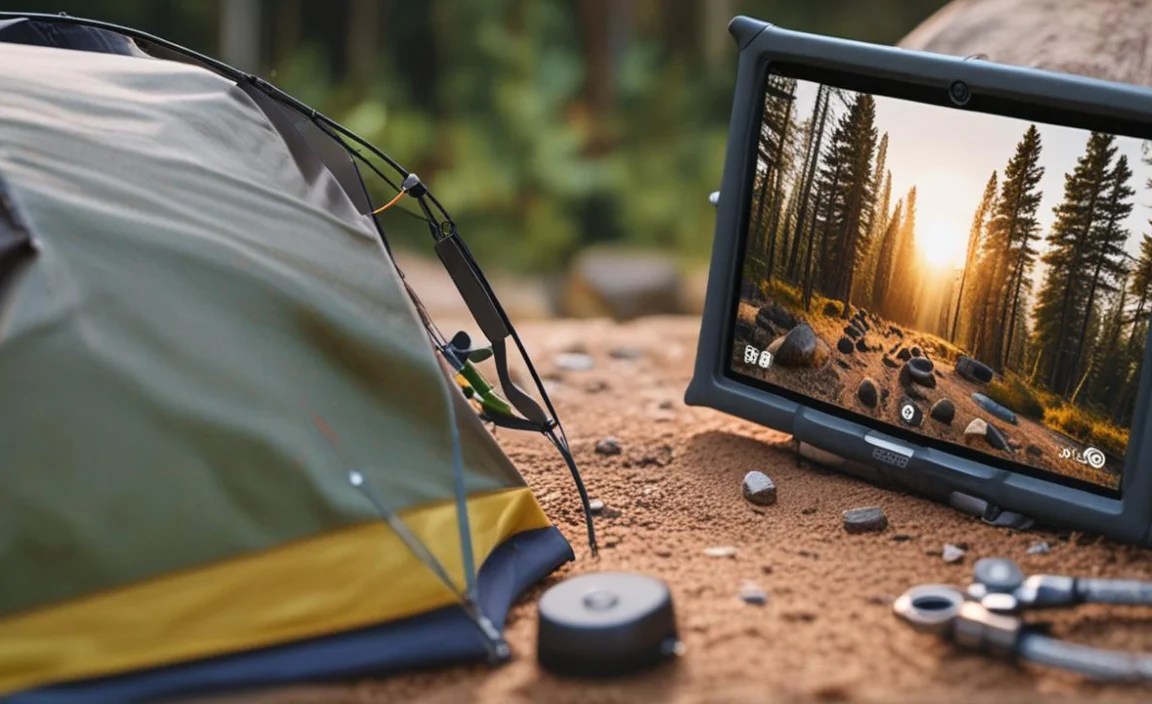
Beyond certifications, the actual materials and design matter. Rugged tablets typically have reinforced corners, rubberized edges, and a sturdy chassis. This absorbs impact and provides a better grip, reducing the chance of dropping it in the first place. Some might even have built-in screen protectors or port covers to keep out dust and moisture.
Battery Life: Your Lifeline in the Wilderness

When you’re miles away from a power outlet, battery life isn’t just a convenience; it’s essential. You don’t want your tablet dying just when you need it most.
How to Gauge Battery Performance
Manufacturers often list battery life in hours, but this can be misleading. It usually refers to continuous usage under optimal conditions (like playing a video). For real-world camping use, consider these factors:
- Real-world reviews: Look for reviews from actual users who have taken the tablet camping or on similar trips. They can give you a much more realistic idea of how long the battery lasts for typical tasks like navigation, occasional browsing, and taking photos.
- Battery capacity (mAh): While not the whole story, a larger mAh (milliampere-hour) number generally means a longer-lasting battery.
- Screen brightness and resolution: A brighter screen and a higher resolution consume more power. If you’re prioritizing battery life, you might be okay with a slightly less dazzling display.
- Processor efficiency: Newer, more efficient processors use less power than older, high-performance ones.
Aim for a tablet that can reliably last a full day or two of moderate use on a single charge. If possible, consider bringing a portable power bank. Many rugged tablets also support faster charging, which can be a lifesaver.
Display: Readability in Sunlight and Low Light
One of the biggest challenges with outdoor tech is visibility. You’ll be using your tablet in bright sunshine, dappled shade, and potentially even dim evening light.
Brightness (Nits)
Screen brightness is measured in nits. For comfortable outdoor viewing, you’ll want a tablet with a high brightness level. While 300-400 nits is standard for indoor use, for camping, aim for 500 nits or higher. Some rugged tablets can even go up to 1000 nits or more, making them highly visible even in direct sunlight.
Anti-glare and Anti-fingerprint Coatings

Beyond brightness, coatings on the screen play a crucial role. An anti-glare coating helps diffuse direct light, reducing harsh reflections. An anti-fingerprint coating is also a bonus, especially if you’ll be touching the screen with dirty hands. Less smudging means a clearer view.
Screen Size Considerations
Screen size is a personal preference, but for camping, there’s a Sweet Spot. Too small, and it’s hard to read maps or ebooks. Too large, and it becomes bulky and harder to handle.
- 7-8 inches: These are compact, often easy to hold with one hand, and fit into smaller bags. You might sacrifice some screen real estate for navigation or detailed maps.
- 9-11 inches: This is a popular range, offering a good balance between usability and portability. It’s great for browsing, reading, and using navigation apps.
- 12 inches and above: While offering a wonderful viewing experience, these can be quite large and heavy for camping, making them less ideal for most outdoor excursions.
Connectivity: Staying in Touch (or Not!)
Depending on your camping style, connectivity needs vary. Do you need to download maps offline, or do you want to share your adventure in real-time?
Wi-Fi vs. Cellular (4G/5G)
- Wi-Fi Only Tablets: These are generally more affordable and have better battery life since they aren’t constantly searching for a cellular signal. They’re perfect if you plan to download maps, music, and ebooks before you leave home and won’t need internet access in the wilderness.
- Cellular (LTE/5G) Tablets: These allow you to get online anywhere a cellular signal is available, provided you have a data plan. This is great for live updates, emergency communication, and streaming. However, they are more expensive upfront and will drain the battery faster.
Pro Tip: Even with a cellular tablet, service can be spotty in remote areas. Always download offline maps and essential information before you go.
GPS Capabilities
For navigation, built-in GPS is a must-have. Most tablets have this, but it’s worth double-checking. Some rugged tablets might even have more robust GPS modules for better accuracy in challenging terrain.
Bluetooth
Bluetooth is useful for connecting accessories like wireless headphones (for listening to podcasts or music) or even a portable keyboard if you need to do a lot of typing. While not strictly essential for basic camping use, it adds to the versatility.
Storage: Capacity for Your Camping Needs
How much storage you need depends on what you plan to do with your tablet.
Internal Storage vs. Expandable Storage (microSD)
- Internal Storage: This is the storage built into the tablet. For basic use (ebooks, a few apps, photos), 32GB might suffice. However, if you plan to download many maps, videos, or large apps, you’ll want 64GB, 128GB, or even more.
- microSD Card Slot: Many tablets, especially Android models, have a microSD card slot. This is fantastic for expanding storage affordably. You can buy a large microSD card and load it with movies, music, books, and offline maps, keeping your internal storage free.
Recommendation: If you’re on a budget, look for a tablet with a decent amount of internal storage (say, 64GB) and a microSD card slot. This gives you the best of both worlds!
Performance: More Than Just Speed
When we think about tablet performance, we usually think about gaming or demanding apps. For camping, it’s more about reliability and smoothness for essential tasks.
Processor and RAM for Everyday Tasks
You don’t need a top-of-the-line processor for camping. What you need is enough power to run your apps smoothly, navigate maps without lag, and browse the web without frustration. A mid-range processor and at least 4GB of RAM are generally sufficient for most camping-related activities. If you plan on using more demanding tools like advanced GPS software or photo editing, you might want to step up to 6GB or 8GB of RAM.
Operating System (OS) Choice: Android vs. iOS (iPadOS) vs. Windows
Your choice of operating system often dictates the ecosystem of apps and devices you can use. For camping:
- Android: Offers a wide variety of rugged tablet options at different price points. It’s highly customizable, and the microSD card slot is common. Great for offline map apps and a vast selection of general-purpose apps.
- iPadOS (Apple): iPads are known for their user-friendly interface, excellent app store, and strong build quality. While official “rugged” iPads are rare outside of enterprise, many users opt for robust cases for their iPads. They excel in creative apps and have a very polished experience.
- Windows: Less common in the consumer rugged tablet space but found in professional-grade devices. If you need to run specific Windows desktop-based software for work or specialized navigation, this might be your choice, but expect higher costs and more bulk.
Key Features for Camping
Beyond the core specs, some features can significantly enhance your camping tablet experience.
Water and Dust Resistance (Revisited)

We’ve touched on IP ratings, but it’s worth reiterating their importance. Imagine accidentally dropping your tablet near a stream or it getting dusty in your backpack. A water and dust-resistant tablet means you won’t have to panic.
Drop Protection
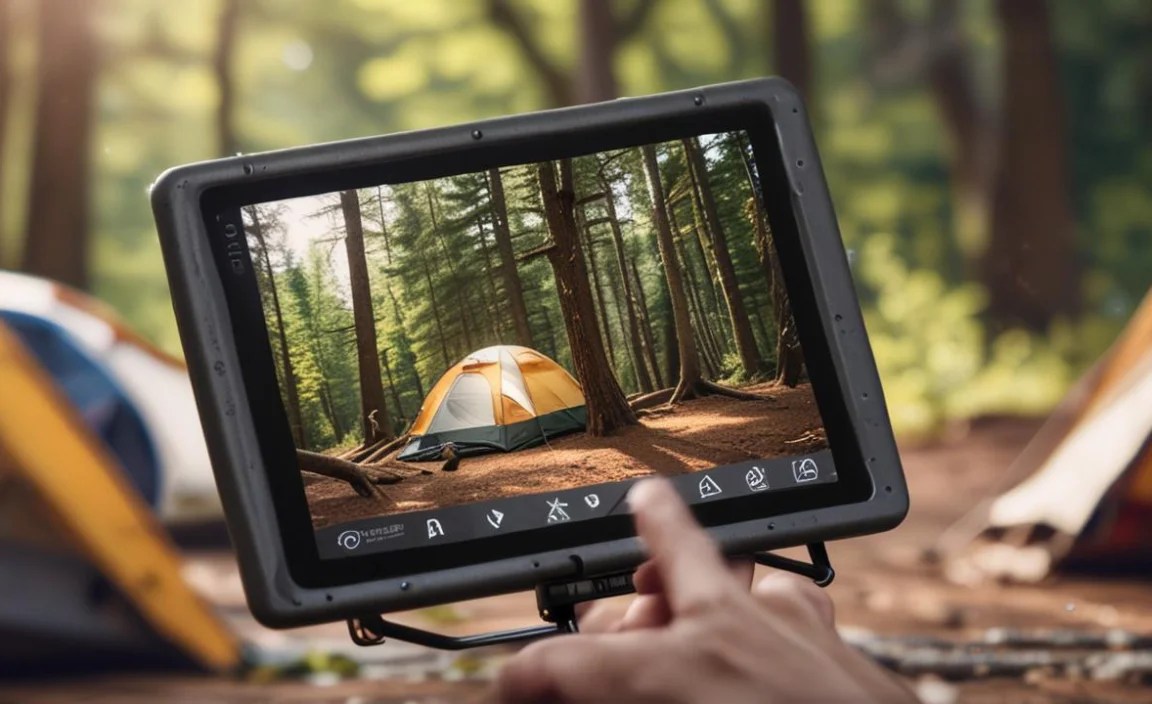
Reinforced corners, rubber bumpers, and a sturdy frame are your best friends. These elements absorb shock from accidental drops, preventing cracks and damage.
Environmental Sealing
Look for features like port covers and sealed seams. These are crucial for preventing small particles like sand and dust, as well as moisture, from getting inside the device.
Glove Touch Support
Some rugged tablets offer “glove touch” capability, meaning you can operate the touchscreen even while wearing gloves. This is incredibly handy in colder weather or when your hands are dirty.
Built-in Flashlight or Work Light
While not standard, some rugged devices come equipped with brighter, more powerful LED lights than a typical smartphone. This can be surprisingly useful around the campsite.
Physical Buttons
In addition to touchscreen controls, some rugged tablets retain physical buttons for essential functions like power, volume, or even a dedicated programmable button. This can be easier to operate with gloves on or in wet conditions.
Top Tablet Categories for Camping
When shopping, you’ll generally encounter a few main types of tablets that are suitable for camping.
Dedicated Rugged Tablets
These are purpose-built for harsh environments. Brands like Samsung (Galaxy Tab Active series), Getac, Zebra, and Panasonic offer devices that meet military-grade standards and are designed from the ground up to be tough. They often have features like glove touch, outdoor-readable screens, and extensive connectivity options.
Pros: Extreme durability, often feature-rich for outdoor use.
Cons: Can be expensive, sometimes heavier, and less sleek than consumer tablets.
Consumer Tablets with Rugged Cases
This is often the more budget-friendly approach. You buy a standard consumer tablet (like an Apple iPad, Samsung Galaxy Tab S series, or Amazon Fire tablet) and pair it with a high-quality rugged case. Look for cases that offer MIL-STD-810G protection, screen protectors, and port coverage.
Pros: Wide variety of tablet options, often more affordable, access to the latest consumer tech.
Cons: Durability depends heavily on the case quality; the tablet itself might not be as inherently tough.
Budget-Friendly Tablets for Sporadic Use
If your camping trips are infrequent and you only need a tablet for occasional use (like reading an ebook or playing a downloaded movie), a more budget-friendly option might suffice, especially when paired with a protective case. Amazon Fire tablets are popular in this category.
Pros: Very affordable.
Cons: Lower performance, screen brightness, and durability (even with a case).
Table: Comparing Tablet Features for Camping
Here’s a quick comparison to help visualize what to prioritize:
| Feature | Crucial for Rugged Use | Important for Most Campers | Nice to Have |
|---|---|---|---|
| IP Rating (Water/Dust) | ✔ | ● | |
| MIL-STD-810G/H Certification | ✔ | ● | |
| Screen Brightness (500+ nits) | ✔ | ● | |
| Long Battery Life (8+ hrs real-world) | ✔ | ● | |
| GPS Capability | ✔ | ● | |
| Expandable Storage (microSD) | ● | ● | |
| Glove Touch Support | ● (cold climates) | ● | |
| Camera Quality | ● | ● |
(✔ = Essential, ● = Highly Recommended, ● = Bonus)
Essential Apps for Your Camping Tablet
Once you have your tablet, loading it up with the right apps can transform your camping experience. Here are some categories to consider:
- Navigation:
- AllTrails: Great for discovering trails, reading reviews, and downloading maps for offline use.
- Gaia GPS: A powerful tool for serious hikers and backpackers, offering detailed topographic maps and advanced tracking.
- Google Maps/Apple Maps: Essential for general navigation. Make sure to download offline maps for your camping area.
- Nature Identification:
- PictureThis: Identify plants and flowers with

Your tech guru in Sand City, CA, bringing you the latest insights and tips exclusively on mobile tablets. Dive into the world of sleek devices and stay ahead in the tablet game with my expert guidance. Your go-to source for all things tablet-related – let’s elevate your tech experience!