Quick Summary:
The most popular tablets for homeschooling offer long battery life, educational apps, and durability at various price points. Our essential review highlights top contenders like the Apple iPad, Amazon Fire HD, and Samsung Galaxy Tab, balancing features with homeschooling needs.
Choosing the right tech for your child’s education can feel overwhelming, especially with so many options out there. You want a tablet that’s not just a toy, but a reliable learning tool that can handle everything from interactive lessons to creative projects. It’s a common challenge for parents to find a device that’s powerful enough for educational apps, durable enough for daily use, and fits within the family budget.
But don’t worry! We’re here to simplify the process. This guide will walk you through the most popular tablets for homeschooling, breaking down what makes them great for learning and how they stack up against each other. We’ll cover key features, essential considerations, and help you find the perfect digital companion for your child’s educational journey. Let’s dive in!
Most Popular Tablets for Homeschooling: Essential Review
Welcome to Tabletzoo! As Walter Moore, I’ve spent countless hours exploring the world of tablets, and I know firsthand how daunting it can be to pick the perfect one, especially when it’s for something as important as homeschooling. You want a device that’s more than just a screen; you need a reliable partner for your child’s learning adventures.
In this essential review, we’ll uncover the most popular tablets that families are using for homeschooling. We’ll focus on what truly matters for education: ease of use, access to learning apps, durability, and of course, affordability. Forget the overwhelming tech jargon; we’ll break down the key features in a way that makes sense for every parent.
Let’s get started on finding the tablet that will best support your child’s educational growth!
Why Tablets Are a Game-Changer for Homeschooling

Tablets have rapidly become indispensable tools for modern education, and homeschooling is no exception. They offer a dynamic and interactive way to learn that pencils and paper simply can’t replicate. Imagine having a portable classroom filled with engaging apps, educational videos, and resources at your fingertips!
One of the biggest advantages is the sheer variety of educational content available. From immersive history apps and interactive math games to virtual science labs and language learning programs, tablets open up a world of learning possibilities. They cater to different learning styles, making education more accessible and enjoyable for every child.
Furthermore, tablets promote self-paced learning. Children can revisit lessons, practice skills as many times as needed, and explore topics that pique their interest independently. This fosters a sense of autonomy and encourages a deeper engagement with the material. Plus, many tablets offer robust parental controls, giving you peace of mind while your child learns.
Key Features to Look For in a Homeschooling Tablet

When selecting a tablet for homeschooling, it’s important to prioritize features that directly support learning and usability. Here are the essential aspects to consider:
- Operating System (OS): The OS dictates the apps available and the overall user experience. iOS (Apple), Android, and ChromeOS are the main players, each with its own strengths.
- Screen Size and Resolution: A larger screen can be better for reading and viewing educational content, while good resolution makes text sharper and images clearer.
- Storage Space: Educational apps, downloaded lessons, and creative projects can take up a lot of space. Aim for at least 32GB, with 64GB or more being ideal for longevity.
- Battery Life: Long battery life is crucial for extended learning sessions, especially if you’re on the go or don’t always have access to an outlet.
- Durability and Build Quality: Kids can be tough on their devices. Look for tablets with sturdy construction, and consider cases for added protection.
- Processor and RAM: These affect speed and multitasking. For smooth app performance and running multiple applications, a decent processor and sufficient RAM are important.
- App Ecosystem: Check if the tablet’s app store has the specific educational apps you need or plan to use.
- Parental Controls: Essential for managing screen time, filtering content, and ensuring a safe online environment.
The Top Most Popular Tablets for Homeschooling: Our Review
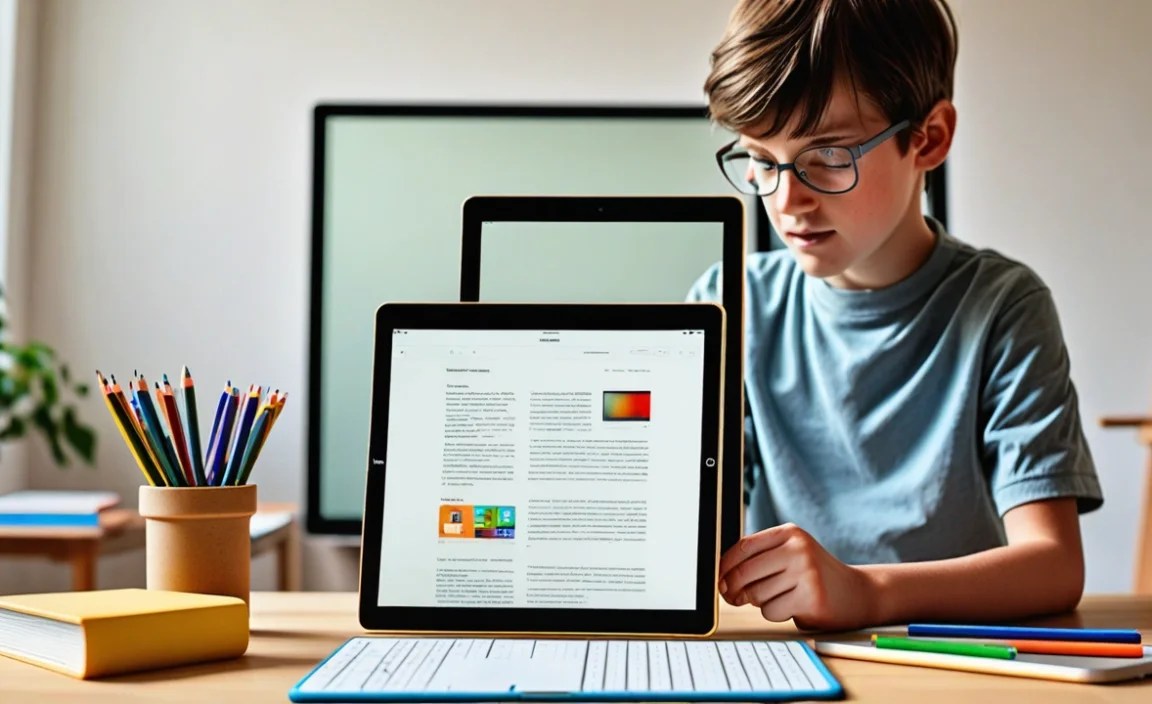
After extensive research and considering what families prioritize for homeschooling, we’ve identified the most popular and effective tablets. These devices strike a balance between performance, features, and value, making them excellent choices for your learning setup.
1. Apple iPad (Standard Model)
The standard Apple iPad remains a leading choice for a reason. It offers a robust ecosystem, a user-friendly interface, and access to a vast library of high-quality educational apps through the App Store. Its powerful performance ensures apps run smoothly, and the build quality is excellent.
Pros:
- Intuitive and easy-to-navigate interface (iPadOS).
- Massive selection of educational apps.
- Excellent performance for demanding apps and multitasking.
- Great build quality and display.
- Strong parental controls and Family Sharing features.
- Long software support and good resale value.
Cons:
- Can be more expensive than Android or Amazon options.
- Storage upgrades can significantly increase the price.
- Stylus and keyboard accessories are often sold separately and add to the cost.
Best for: Families looking for a reliable, long-term investment with a premium user experience and a wide array of educational resources readily available.
2. Amazon Fire HD Tablets (e.g., Fire HD 10)
Amazon’s Fire HD tablets, particularly the Fire HD 10, are incredibly popular for their budget-friendly price point and integration with Amazon’s services. They offer excellent value, especially for younger learners or for families already invested in the Amazon ecosystem.
Pros:
- Very affordable, making them accessible for many budgets.
- Durable build, suitable for children.
- Decent screen for reading and watching educational videos.
- Access to Amazon Kids+ for a subscription-based library of games, books, and videos.
- Robust parental controls via Amazon Kids mode.
- Good battery life.
Cons:
- Runs on Fire OS (a modified Android), meaning access to the full Google Play Store requires workarounds, and app selection is limited to the Amazon Appstore.
- Performance can be slower compared to iPads or higher-end Android tablets.
- Amazon ads can sometimes appear on the lock screen (though “ad-free” versions are available for a higher price).
Best for: Budget-conscious families, younger students, or those already heavily using Amazon services who need a dependable device for basic educational apps and entertainment.
3. Samsung Galaxy Tab S Series (e.g., Tab S9 FE)
Samsung’s Galaxy Tab S series, particularly the more budget-friendly “FE” (Fan Edition) models, offers a compelling alternative to iPads, running on the versatile Android operating system. They often come with the S Pen stylus included, which is fantastic for note-taking and digital art.
Pros:
- Vibrant AMOLED displays (on higher-end models) or good quality LCDs.
- Excellent performance and multitasking capabilities.
- S Pen stylus often included, perfect for writing and drawing.
- Access to the vast Google Play Store for a wide range of educational apps.
- Samsung’s DeX mode offers a desktop-like experience for more complex tasks.
- Expandable storage via microSD card is a plus.
Cons:
- Can be pricier than Amazon Fire tablets.
- Software updates can sometimes trail behind Apple’s.
- User interface might take some getting used to if coming from another OS.
Best for: Families who prefer Android, want stylus functionality for note-taking or art, and need a powerful tablet capable of a wide range of learning and creative tasks.
4. Samsung Galaxy Tab A Series (e.g., Tab A9+)
For families seeking a solid Android experience without the premium price tag of the S series, the Samsung Galaxy Tab A series is an excellent option. These tablets offer good performance for everyday educational tasks and are generally built to be quite durable.
Pros:
- More affordable than the Galaxy Tab S series.
- Runs standard Android with access to the full Google Play Store.
- Decent performance for educational apps, web browsing, and video streaming.
- Samsung Kids mode provides a safe environment for younger users.
- Often features expandable storage.
Cons:
- Performance is not as powerful as the S series or iPads, which might impact very demanding apps.
- Display quality is good but not as exceptional as higher-end models.
- May receive fewer major software updates compared to premium tablets.
Best for: Families looking for a reliable Android tablet with good core features for homeschooling at a more accessible price point.
5. Microsoft Surface Go 3
The Microsoft Surface Go 3 bridges the gap between a tablet and a laptop, running a full version of Windows. This makes it an exceptionally powerful tool for older homeschoolers who need to run desktop applications, type lengthy assignments, and engage in more complex tasks.
Pros:
- Runs full Windows 11, offering compatibility with most desktop software.
- Excellent for note-taking with the optional Surface Pen.
- Can function as a laptop with the attachable Type Cover (sold separately).
- Compact and lightweight design.
- Access to a vast array of Windows applications.
Cons:
- Generally the most expensive option, especially when factoring in accessories.
- Battery life can be a concern for all-day use.
- The smaller screen size might be less ideal for younger children or for extended reading.
- Performance can be limited on base models, especially when running multiple heavy applications.
Best for: Older students or families who need the power and versatility of a Windows computer in a portable, tablet-like form factor for more advanced academic work.
Choosing the Right Tablet: A Comparison Table
To help you visualize the differences and make an informed decision, here’s a comparison of our top picks. Prices can vary, so these are general indicators:
| Feature | Apple iPad (Standard) | Amazon Fire HD 10 | Samsung Galaxy Tab S FE | Samsung Galaxy Tab A | Microsoft Surface Go 3 |
|---|---|---|---|---|---|
| Starting Price | $$$ | $ | $$ – $$$ | $ – $$ | $$$$ |
| Operating System | iPadOS | Fire OS (Android-based) | Android | Android | Windows 11 |
| App Store Access | Apple App Store | Amazon Appstore (limited Google Play) | Google Play Store | Google Play Store | Windows Store & Desktop Apps |
| Stylus Support | Yes (Apple Pencil, sold separately) | No | Yes (S Pen included) | No (some limited support possible) | Yes (Surface Pen highly recommended, sold separately) |
| Durability for Kids | Good (recommend case) | Very Good | Good (recommend case) | Good (recommend case) | Fair (recommend case) |
| Battery Life | Excellent | Very Good | Very Good | Good | Fair to Good |
| Ideal Use Case | All-around learning, creative tasks, long-term investment | Budget-friendly, younger kids, Amazon users | Android users, note-taking, productivity | Solid Android for everyday learning, budget-conscious | Desktop app compatibility, older students, mixed use |
Note: Price indicators: $ (Budget-friendly), $$ (Mid-range), $$$ (Premium), $$$$ (High-end). Actual prices will vary based on model, storage, and retailer.
Tips for Using Tablets Effectively in Homeschooling
A tablet is a tool, and like any tool, its effectiveness depends on how you use it. Here are some tips to maximize your tablet’s potential for homeschooling:
- Curate Educational Apps: Don’t just download anything. Research and select apps that align with your curriculum and learning goals. Websites like Common Sense Media offer reviews and ratings for educational apps.
- Set Up User Profiles/Kids Modes: Most tablets offer profiles or dedicated “Kids Modes” (like Amazon Kids, Google Kids Space, or Apple Screen Time). These allow you to control access, set time limits, and ensure a safe, age-appropriate environment.
- Integrate with Physical Learning: Tablets shouldn’t replace all traditional learning. Use them to supplement textbooks, watch supplementary videos, conduct virtual experiments, or practice skills, but balance it with hands-on activities and offline reading.
- Establish Screen Time Rules: Consistent, clear guidelines for tablet usage are essential. Determine when and for how long the tablet can be used for educational purposes versus free time.
- Invest in Accessories: A good screen protector and a sturdy case can save your device from accidental drops or spills. A stylus can enhance note-taking and drawing capabilities, while a Bluetooth keyboard can transform a tablet into a more productive typing station.
- Regularly Update Software: Keep the operating system and apps updated. Updates often include security patches, performance improvements, and new features that can enhance the learning experience. The U.S. Department of Education’s Office of Educational Technology often has resources on effective technology integration.
- Encourage Active Use: Prompt your child to use the tablet to research topics, create presentations, record explanations, or even code basic programs. Encourage them to be creators, not just consumers, of content.
Frequently Asked Questions (FAQ)
Q1: Which tablet operates the simplest for a beginner homeschooler?
For ultimate simplicity and a user-friendly interface that most beginners adapt to quickly, the standard Apple iPad is often the easiest to get started with. Its intuitive design and straightforward navigation make it very accessible.
Q2: What’s the best tablet for homeschooling on a tight budget?
The Amazon Fire HD tablet series, like the Fire HD 10, is hands-down the best option for budget-conscious families. It offers a solid experience and robust parental controls at a very affordable price point.
Q3: Do I need a tablet with a stylus for homeschooling?
A stylus is highly recommended if your child will be doing a lot of digital note-taking, drawing, or engaging with apps that require precise input. The Samsung Galaxy Tab S series comes with an S Pen, making it a strong contender if stylus use is a priority.
Q4: Can I use my child’s school apps on these tablets?
Most modern educational apps are available on iOS (App Store) and Android (Google Play Store). If your child’s school uses specific platforms, check their compatibility with the tablet’s operating system. For Windows apps, the Surface Go is the most compatible.
Q5: How much storage is enough for a homeschooling tablet?
Aim for at least 32GB of internal storage. However, 64GB or 128GB is ideal if you plan to download many educational apps, videos, and offline resources, or if multiple children will be using the tablet.
Q6: Are tablets durable enough for kids?
While many tablets are built sturdy, kids can be rough. Investing in a good protective case, such as those made by OtterBox or similar brands, along with a screen protector, is highly advisable for any tablet used by children.
Conclusion
The journey to finding the perfect homeschooling tablet doesn’t have to be a complicated one. By understanding your family’s needs—whether it’s affordability, robust app selection, stylus integration, or full desktop functionality—you can confidently choose a device that

Your tech guru in Sand City, CA, bringing you the latest insights and tips exclusively on mobile tablets. Dive into the world of sleek devices and stay ahead in the tablet game with my expert guidance. Your go-to source for all things tablet-related – let’s elevate your tech experience!