Looking for affordable tablets for toddlers? This guide helps you choose durable, kid-friendly devices packed with educational apps, making learning fun and safe without breaking the bank.
Choosing a tablet for your little one can feel like navigating a maze of confusing specs and price tags. You want something that’s safe, engaging, and won’t cost a fortune. It’s totally understandable to feel a bit overwhelmed! But don’t worry, finding the perfect affordable tablet for your toddler is simpler than you think. We’re here to walk you through it, step-by-step, so you can make a choice that brings joy and learning to your child. Get ready to discover the best options for your family!
Affordable Tablets for Toddlers: Your Essential Guide

As a parent, you want the best for your child, and that often includes introducing them to technology in a safe and beneficial way. Tablets can be fantastic tools for a toddler’s development, offering interactive learning games, captivating stories, and even educational videos. However, the sheer number of options available can be daunting, especially when trying to stick to a budget.
The good news is that you don’t need to spend a fortune to get a reliable and engaging tablet for your little explorer. We’ve done the research to bring you a straightforward guide to finding affordable tablets that are perfect for toddlers. We’ll cover what to look for, how to keep your child safe, and some of the best budget-friendly options on the market.
Why Consider a Tablet for Your Toddler?
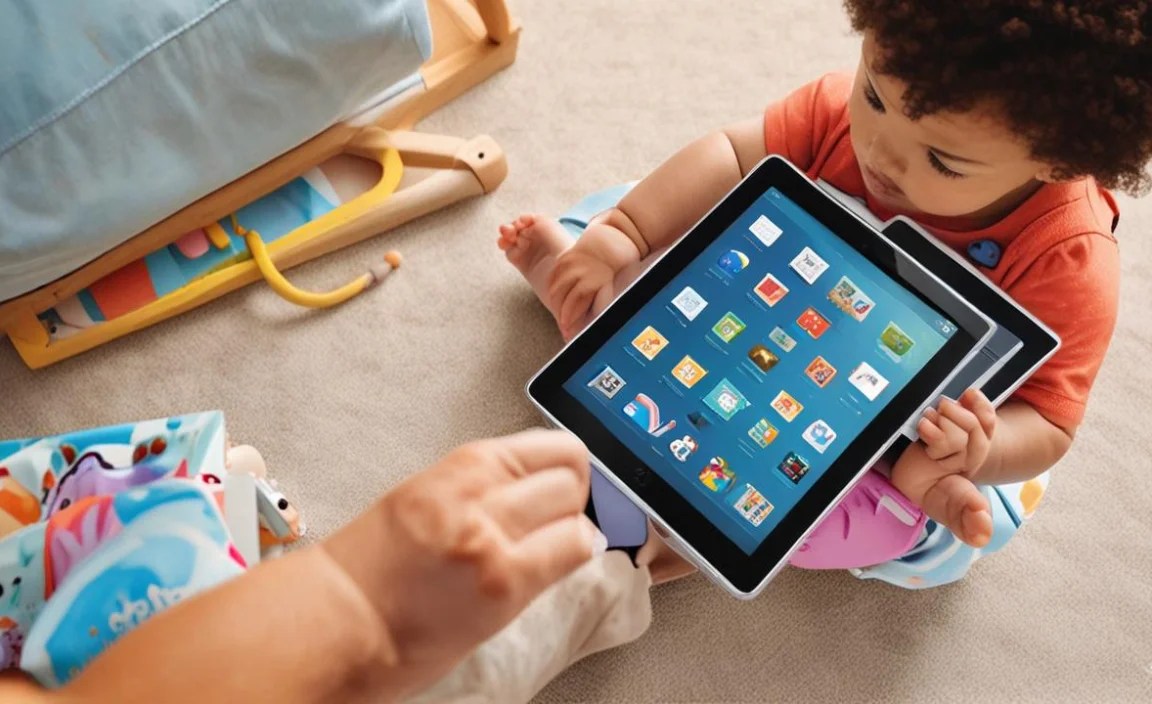
Tablets can offer a wealth of benefits for young children when used appropriately. They can:
Enhance Learning: Many educational apps are designed to teach fundamental skills like letters, numbers, shapes, and colors in an interactive and fun way.
Boost Creativity: Drawing apps, simple music makers, and storytelling tools can spark imagination and encourage creative expression.
Develop Fine Motor Skills: Tapping, dragging, and swiping on a touchscreen can help refine a toddler’s finger dexterity.
Introduce New Concepts: Apps can also introduce children to various topics, from animals and nature to different cultures and languages.
Provide Entertainment: Beyond learning, tablets offer a way for children to enjoy age-appropriate videos and games, which can be a lifesaver during long car rides or quiet time.
It’s important to remember that screen time should be balanced with other activities, and adult supervision is key. However, when used mindfully, a tablet can be a valuable addition to your child’s early learning journey.
What Makes a Tablet “Toddler-Friendly”?

When we talk about toddler-friendly tablets, we’re focusing on a few key areas that differentiate them from regular adult tablets:
Durability: Toddlers are notorious for dropping things! A tablet designed for them needs to withstand bumps, drops, and maybe even the occasional sticky fingerprint. Look for robust cases and reinforced designs.
Safety Features: Parental controls are non-negotiable. You need to be able to limit app access, set screen time limits, and prevent accidental purchases or access to inappropriate content.
Kid-Specific Content: Many toddler tablets come pre-loaded with educational games and apps, or they have curated app stores that focus on age-appropriate content.
Ease of Use: The operating system and interface should be simple and intuitive for little fingers. Large icons and straightforward navigation are a must.
Affordability: As the focus is on budget-friendly options, price is a major consideration. We’re looking for great value without compromising on essential features.
Key Features to Look for in Affordable Toddler Tablets

Navigating the tech jargon can be tricky, but understanding these core features will help you make an informed decision:
1. Durability and Design

This is perhaps the most critical factor for a toddler tablet. Look for:
Built-in Kid-Friendly Cases: Many tablets designed for children come with thick, shock-absorbent silicone or foam cases that offer protection from drops.
Reinforced Screens: Some rugged tablets have extra layers of protection on the screen to prevent cracks.
Drop-Proof Certifications: While less common on budget models, keeping an eye out for any mention of drop-testing can be reassuring.
2. Screen Size and Resolution

For toddlers, smaller screens are often easier to handle.
Screen Size: Typically, 7-inch to 10-inch tablets are ideal. Smaller sizes are more portable and easier for little hands to grip, while larger screens can be more immersive for games and videos.
Resolution: While high-resolution displays are great, for basic toddler use, standard HD (720p or 1080p) is perfectly adequate. The main goal is clear images for educational content.
3. Battery Life

A tablet that dies halfway through a learning session is frustrating for everyone.
Playtime: Aim for a tablet that offers at least 6-8 hours of active use on a single charge. This will usually cover a day’s worth of occasional use.
4. Storage Space
Apps, games, and downloaded videos can take up a lot of space.
Internal Storage: Look for at least 16GB or 32GB of internal storage.
Expandable Storage: The ability to add a microSD card is a huge plus, allowing you to store more content without needing to delete existing apps. This is a feature often found on more affordable Android tablets.
5. Processor and RAM (Keep it Simple!)
You don’t need a super-powered device for toddler apps.
Quad-Core Processor: This is usually sufficient for smooth navigation and running most educational apps.
1GB to 2GB of RAM: This is enough to handle basic multitasking without significant lag. If you can find 3GB or 4GB on a budget, that’s a bonus, but not essential for toddler use.
6. Operating System and Parental Controls

This is where the ‘kid-friendly’ aspect really shines.
Kid’s Mode/Profile: Many tablets offer a dedicated “kid’s mode” or profiles that create a safe, sandbox environment. This limits access to the full operating system and allows you to select which apps your child can use.
Robust Parental Controls: Essential features include:
App Restrictions: Choose exactly which apps your child can open.
Screen Time Limits: Set daily or weekly time limits.
Content Filtering: Block access to inappropriate websites if browsing is enabled.
Purchase Prevention: Ensure no accidental in-app purchases are made.
Operating Systems:
Android: Offers a lot of flexibility and a vast library of apps on the Google Play Store. Many manufacturers offer their own child-friendly interfaces or modes.
Amazon Fire OS: Amazon’s tablets are very popular for kids, with the Amazon Kids+ subscription offering a curated library of content and strong parental controls.
7. Wi-Fi Connectivity

Essential for downloading apps and streaming content. Ensure the tablet supports modern Wi-Fi standards (like 802.11n or ac) for a stable connection.
Comparing Top Affordable Tablet Options for Toddlers
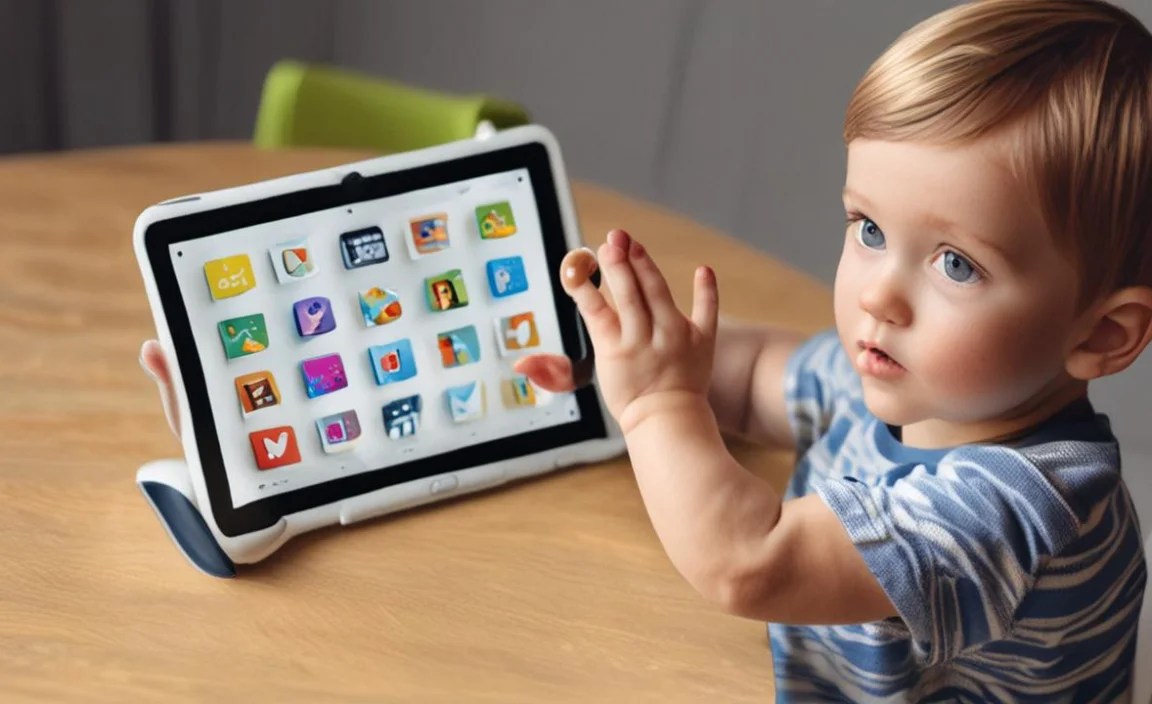
To help you get started, here are some of the most popular and highly-rated affordable tablets that are excellent choices for toddlers. We’ll look at general categories and popular brands that consistently deliver value.
1. Amazon Fire Tablets (Especially the Fire Kids Edition)

Amazon’s Fire tablets are arguably the kings of the affordable kids’ tablet market. The standard Fire 7 and Fire HD 8 are already budget-friendly, but their “Kids Edition” models take things to the next level.
What to Expect: These tablets come with a durable kid-proof case, a built-in stand, a 2-year worry-free guarantee (meaning Amazon will replace it if it breaks), and a year of Amazon Kids+ subscription included.
Amazon Kids+: This is the real draw. It’s a subscription service that gives you access to thousands of kid-friendly books, movies, educational apps, and games. Parents can set time limits and choose what content their child can access.
Parental Controls: Amazon’s parental controls are some of the best and most comprehensive available, allowing granular control over apps, content, and screen time.
Price: Very competitive, especially during sales events like Prime Day. The Kids Edition is an excellent value considering the included accessories and subscription.
Ideal for: Families already invested in the Amazon ecosystem or those who want a device with a strong, all-inclusive content and safety solution.
Pros:
- Exceptional durability and included case.
- Industry-leading parental controls.
- Large library of curated content with Amazon Kids+.
- Affordable price point, especially for Kids Edition.
- Worry-free 2-year guarantee.
Cons:
- Fire OS is more limited than standard Android (less access to Google Play Store).
- Requires an Amazon account.
- Amazon Kids+ is a subscription that continues after the first year.
2. Samsung Galaxy Tab A Series
Samsung’s Galaxy Tab A series offers a more traditional Android tablet experience at a budget-friendly price. While they don’t always come with a rugged case included, they are a solid foundation for creating a child-friendly device.
What to Expect: These tablets provide a full Android experience, meaning access to the vast Google Play Store. Many have good screen quality and decent performance for the price.
Parental Controls (Google Family Link): You can leverage Google Family Link to set up a child’s profile, manage apps, set screen time limits, and monitor activity. This requires setting up a Google account for your child (under 13, managed by you).
Kids Mode/Apps: Samsung also sometimes offers their own “Kids Mode” or suggests apps like “Samsung Kids” for a more streamlined experience.
Price: Generally very affordable, especially older models or during sales. The Tab A series is known for its excellent value.
Ideal for: Families who want a standard Android tablet that can be easily adapted for toddler use with robust parental controls.
Pros:
- Full access to the Google Play Store for a wide range of apps.
- Can use Google Family Link for strong parental controls.
- Good screen quality and performance for the price.
- Often available at very attractive price points.
Cons:
- Does not typically come with a rugged case; an additional purchase is recommended.
- Parental control setup might be slightly more involved than Amazon’s integrated solution.
- Durability can vary; a protective case is essential.
3. Budget Android Tablets (Various Brands)

Beyond the major players, there are many other affordable Android tablets from brands like Lenovo, Vankyo, and others. These can be extremely budget-friendly.
What to Expect: Performance and build quality can vary greatly between brands. Some offer surprisingly good value for the price, while others might feel a bit sluggish.
Parental Controls: Like Samsung, you can use Google Family Link. Some brands may also have their own simplified interfaces or app restrictions.
Key Advantages: You can often find tablets with larger screens (e.g., 10 inches) or more storage for the same price as smaller, more established brands.
Price: This is where you can find some of the absolute lowest prices on tablets. However, it’s crucial to read reviews carefully.
Ideal for: Budget-savvy parents willing to do a bit more research and potentially invest in a good protective case to get the most bang for their buck.
Pros:
- Potentially the lowest prices available.
- Can find tablets with larger screens or more storage at a low cost.
- Full Android functionality allows for Google Family Link.
Cons:
- Build quality and performance can be inconsistent.
- Customer support and software updates might be less reliable.
- Durability is often weak without an additional case.
- Read reviews very carefully to avoid disappointment.
4. Apple iPads (Used or Refurbished)

While a new iPad is typically out of the budget range for an “affordable toddler tablet,” a refurbished or older generation iPad can sometimes be a surprisingly good option, especially if you already use Apple devices.
What to Expect: iPads are known for their robust build quality, excellent performance, and user-friendly interface. They have a vast ecosystem of high-quality educational apps.
Parental Controls (Screen Time): Apple’s “Screen Time” feature is incredibly powerful, allowing you to manage app usage, set downtime, restrict content, and monitor activity.
Durability: This is the main drawback. iPads are not built for toddlers and will require a very good, tough case to survive.
Price: Refurbished models from Apple’s certified refurbished store or reputable third-party sellers can offer significant savings. Look for older models like an iPad Mini (if small size is desired) or an iPad 7th/8th generation.
Ideal for: Families who prioritize long-term software support and app quality, and can find a good deal on a refurbished model and are committed to buying a sturdy case.
Pros:
- Excellent performance and user experience.
- High-quality app selection.
- Powerful and integrated parental controls (Screen Time).
- Long software update support.
- Refurbished options can offer good value.
Cons:
- Not inherently durable; requires a separate, robust case.
- Even refurbished models can be more expensive than dedicated kids’ tablets.
- Requires an Apple ID.
Essential Accessories for Toddler Tablets
To make any tablet truly toddler-proof and child-friendly, especially if it wasn’t designed with them in mind, consider these accessories:
Protective Case: This is the #1 accessory. Look for:
Thick Foam or Silicone: Provides excellent shock absorption.
Large, Easy-to-Grip Handle: Makes it easier for toddlers to hold.
Built-in Stand: For watching videos hands-free. Brands like i-Blason, Supcase, and Poetic offer good options for various tablets.
Screen Protector: An extra layer of defense against scratches and smudges. Tempered glass protectors are generally more durable.
Kid-Safe Headphones: Reduce volume to protect your child’s hearing and create a more immersive experience without disturbing others. Look for volume-limiting features. A great resource for understanding safe listening levels can be found at the CDC’s page on hearing loss prevention.
Child-Friendly Keyboard/Stylus (Optional): For older toddlers who might be starting to engage more with typing or drawing, these can be fun additions, though often unnecessary for younger ones.
Setting Up Your Toddler’s Tablet Safely
Once you’ve chosen your tablet, setting it up correctly is vital for a safe and positive experience.
1. Enable Parental Controls First!

This is non-negotiable. Depending on the tablet, this could be:
Amazon Kids+ Setup: If you chose a Fire tablet, setting up the Amazon Kids+ profile during the initial setup is the easiest way to go. You’ll create a PIN for yourself to access settings.
Google Family Link: For Android tablets (Samsung, others) and even for setting up a child’s profile on a standard iPad, Google Family Link is key. Download the Family Link app on your own device and follow the instructions to create a Google account for your child, linking it to your own. This allows you to manage their device remotely.
Apple Screen Time: For iPads, go to Settings > Screen Time. You can set up a passcode and then configure downtime, app limits, content restrictions, and communication limits.
2. Choose and Download Age-Appropriate Apps
Curated Stores: Amazon Kids+ and Apple’s App Store (with restrictions) offer curated selections.
Google Play Store (with Family Link): You can approve or block apps individually. Stick to highly-rated educational apps for toddlers. Look for apps from reputable developers like PBS KIDS, Khan Academy Kids, ABCmouse, or LEGO DUPLO WORLD. Many offer free versions with optional in-app purchases for more content.
Avoid Games with In-App Purchases: Unless you are very vigilant with parental controls, it’s best to choose apps that are either free or have a one-time purchase to avoid accidental spending.
3. Set Screen Time Limits
Consistency is key. Decide on a reasonable daily or weekly screen time allowance and stick to it. Most parental control systems allow you to set specific times (e.g., 30 minutes after lunch) or a total duration.
4. Review & Adjust Settings Periodically
As your child grows and their interests change, you’ll need to update the apps they have access to and adjust screen time limits. Regularly check the reports provided by your parental control software to see what they’re doing on the tablet.
5. Discuss Tablet Use with Your Child
Even at a young age, you can start establishing simple rules. Talk about when it’s okay to use the tablet, how to be gentle with it, and that it’s time to stop when you say so.
Tablets for Toddlers: Quick Comparison Table
Here’s a table to quickly compare some of the most common affordable options. Keep in mind that prices can fluctuate,

Your tech guru in Sand City, CA, bringing you the latest insights and tips exclusively on mobile tablets. Dive into the world of sleek devices and stay ahead in the tablet game with my expert guidance. Your go-to source for all things tablet-related – let’s elevate your tech experience!