Looking for the best tablets for business? Our hands-on review covers top picks like the Microsoft Surface Pro 9, Apple iPad Pro, and Samsung Galaxy Tab S8 Ultra. Find the perfect blend of portability, power, and productivity to boost your workflow and make smart business decisions with confidence.
Hey there! Walter Moore here from Tabletzoo. Are you finding it tough to pick out the right tablet for your business needs? It feels like there are so many options, and figuring out which one has the power to keep up with your work can be a real headache. Don’t worry, you’re not alone! We’re here to cut through the confusion.
In this guide, we’re diving deep into some of the most popular and capable tablets available right now. We’ll look at them from a business user’s perspective, focusing on what really matters for getting things done. Think productivity, portability, and how they feel to use day-to-day. Ready to find your next business essential? Let’s get started!
Why Tablets Are Essential for Modern Business

Tablets have moved far beyond just being entertainment devices. For businesses of all sizes, they’ve become indispensable tools for productivity, communication, and flexibility. They offer a unique blend of portability and functionality that laptops can sometimes lack, and are more powerful and versatile than smartphones for many tasks.
Imagine this: You’re at a client meeting, and you need to pull up detailed sales figures or a product demo. With a tablet, you can easily present information, take notes, and even sign documents right there on the spot. This kind of seamless workflow is crucial in today’s fast-paced business environment.
According to Statista, tablet adoption continues to grow across various professional sectors. This isn’t just a trend; it’s a reflection of how effectively these devices can streamline operations, enhance collaboration, and improve customer interactions.
Whether you’re a solo entrepreneur, part of a large corporation, or somewhere in between, a well-chosen tablet can significantly impact your efficiency and effectiveness. Let’s explore what makes a tablet “business-ready” and then dive into some of the best options we’ve tested.
What Makes a Tablet Great for Business Use?

Not all tablets are created equal when it comes to business. While a good screen and fast processor are nice, we need to consider specific features that directly benefit professional tasks. Here’s what we looked for:
- Performance & Processing Power: Can it handle multiple apps, complex spreadsheets, and video calls without a hitch?
- Portability & Battery Life: Is it light enough to carry all day, and does the battery last through a full workday or longer?
- Display Quality: A crisp, bright screen is essential for presentations, reading documents, and detailed work.
- Connectivity: Reliable Wi-Fi is a must, and LTE/5G options can be a lifesaver when you’re on the go.
- Operating System & App Ecosystem: Does it run the business apps you need? The OS should be intuitive and secure.
- Support for Stylus & Keyboard: For note-taking, drawing, and typing, these accessories can transform a tablet into a laptop replacement.
- Security Features: Robust security, like fingerprint or facial recognition, is critical for protecting business data.
- Build Quality & Durability: It needs to withstand the demands of being used outside the office.
Based on these criteria, we’ve put together our top picks. Each device offers a slightly different approach, catering to various needs and budgets. Let’s get to the reviews!
Our Top Picks: Proven Hands-On Reviews

After hours of testing, using these devices for real-world business tasks, we’ve narrowed down the field to a few standout performers.
1. Microsoft Surface Pro 9: The Ultimate Business Hybrid
The Microsoft Surface Pro 9 truly embodies the “tablet that can replace your laptop” promise. It’s a powerful machine that’s incredibly versatile for professionals who need both portability and serious computing power.
What We Loved:
- Performance: With Intel’s latest processors (or optional ARM-based Microsoft SQ3 for longer battery life and 5G), this device chews through demanding tasks. Multitasking is a breeze, and it handles everything from complex spreadsheets to graphic design software smoothly.
- Display: The 12.3-inch PixelSense display is stunning. It’s bright, color-accurate, and has a fantastic 120Hz refresh rate, making everything from scrolling to drawing feel incredibly fluid.
- Versatility: The built-in kickstand is a game-changer, allowing you to adjust the screen to any angle. When paired with the Signature Keyboard Cover (sold separately, but highly recommended), it transforms into a capable laptop experience.
- Windows 11: You get the full Windows experience, meaning all your business software will run flawlessly.
- Build Quality: It feels premium and solid, built to withstand daily use.
Things to Consider:
- Price: The Surface Pro 9 is an investment. The cost of the tablet, plus the essential keyboard and stylus, can add up quickly.
- Accessories are Extra: While essential for a full laptop experience, the Surface Pro Keyboard and Slim Pen 2 are not included in the base price.
- Port Selection: It has two USB-C (Thunderbolt 4) ports, which is decent but might require a dongle for older peripherals.
Who it’s for: Professionals who need a device that can genuinely replace their laptop for demanding tasks, creative professionals, and anyone who values the full Windows ecosystem on a portable device.
2. Apple iPad Pro (M2 Chip): The Powerhouse of Portability
The iPad Pro, especially with the M2 chip, is a performance beast. It’s redefined what a tablet can do, offering incredible speed and a vast ecosystem of powerful apps, making it a favorite for many business users.
What We Loved:
- Unmatched Performance: The M2 chip is incredibly powerful, handling video editing, complex design work, and heavy multitasking with ease. Everyday tasks are, of course, instantaneous.
- Stunning Liquid Retina XDR Display: The display is one of the best on the market, with exceptional brightness, contrast, and color accuracy. It’s perfect for detailed work and presentations.
- Apple Pencil 2nd Gen: For artists, designers, and note-takers, the Apple Pencil 2nd Gen is a dream. Its precision and responsiveness are top-notch.
- Magic Keyboard: Paired with the Magic Keyboard, the iPad Pro becomes a very capable laptop alternative, complete with a trackpad and comfortable typing experience.
- Long Battery Life: You can expect all-day battery life, even with demanding use.
- iPadOS Features: iPadOS has grown incredibly capable with multitasking features like Stage Manager, making it much better suited for business use.
Things to Consider:
- Price & Ecosystem Lock-in: Like the Surface Pro, it’s a premium device. And while iPadOS is powerful, it’s still not a full desktop operating system. Some niche business software might not be available.
- Accessories Add Up: The Apple Pencil and Magic Keyboard are significant additional costs.
- Limited Ports: It features a single USB-C (Thunderbolt 3) port, which can be restrictive.
Who it’s for: Creative professionals, those deeply invested in the Apple ecosystem, and business users who prioritize raw power, a fantastic display, and can work within the iPadOS environment.
3. Samsung Galaxy Tab S8 Ultra: The Expansive Android Option
If screen real estate and a vibrant Android experience are what you’re after, the Samsung Galaxy Tab S8 Ultra is a compelling choice. Its enormous display is fantastic for multitasking and immersive work.
What We Loved:
- Massive Display: The 14.6-inch AMOLED screen is breathtaking. It’s perfect for side-by-side app multitasking, reviewing large documents, or enjoying presentations.
- Included S Pen: Unlike Apple, Samsung includes their excellent S Pen in the box. It’s responsive and great for taking notes, sketching ideas, or annotating documents.
- DeX Mode: Samsung’s DeX desktop experience offers a Windows-like interface when connected to an external monitor or used on the tablet itself. This makes it feel much more like a traditional computer.
- Performance: Powered by a high-end Snapdragon chip, it handles demanding apps and multitasking very well.
- Samsung Ecosystem Integration: If you use other Samsung devices, integration is seamless.
Things to Consider:
- Size and Weight: This tablet is HUGE. While great for productivity, it’s less convenient for quick, on-the-go use than smaller tablets.
- App Optimization: While Android apps have improved, not all are perfectly optimized for such a large screen, though DeX helps mitigate this.
- Keyboard Cover Not Included: A physical keyboard is highly recommended for serious productivity, and it’s an additional purchase.
Who it’s for: Business users who want the largest possible tablet screen for multitasking, content consumption, and productivity, especially those who appreciate the S Pen and Samsung’s robust DeX environment.
4. Apple iPad Air (M1 Chip): The Balanced Performer
For many business users, the iPad Air strikes an excellent balance between power, portability, and price. It offers much of the performance of the iPad Pro at a more accessible cost.
What We Loved:
- Excellent Performance: The M1 chip provides blazing-fast performance that easily handles most business applications, multitasking, and even some creative tasks.
- Portability: It’s lightweight and slim, making it ideal for carrying around all day.
- Great Display: The 10.9-inch Liquid Retina display is sharp, color-accurate, and enjoyable to work on.
- Apple Pencil & Magic Keyboard Support: It works seamlessly with the Apple Pencil (2nd Gen) and Magic Keyboard, offering a versatile productivity setup.
- Battery Life: Expect solid all-day battery performance.
Things to Consider:
- No ProMotion Display: Lacks the 120Hz refresh rate of the Pro models, which is noticeable for animation and scrolling if you’re used to it.
- Single USB-C Port: Similar to the Pro, it has one USB-C port.
- Accessories are Additional: Apple Pencil and Magic Keyboard are sold separately.
Who it’s for: Business professionals looking for a powerful, portable, and reliable tablet that can handle everyday tasks and offers a premium Apple experience without the top-tier price of the iPad Pro.
5. Lenovo Yoga Tab 13: Unique Design, Business-Ready Features
The Lenovo Yoga Tab 13 offers a distinctive design with a built-in kickstand and a larger display that’s surprisingly versatile for business. It stands out with its unique approach to tablet usability.
What We Loved:
- Built-in Kickstand & Handle: The unique rollbar design includes a sturdy metal kickstand that allows for multiple viewing angles and a convenient handle for carrying.
- Large 13-inch Display: The LTPS LCD display is bright and sharp, offering ample screen real estate for productivity.
- Entertainment Hub: While a business focus, the quad JBL speakers and immersive display make it great for presentations or client entertainment in downtime.
- Second Screen Mode: It can function as a wireless display for your laptop, which is a fantastic feature for expanding your workspace on the go.
- Good Performance: Powered by a Snapdragon 870, it handles multitasking and most business apps admirably.
Things to Consider:
- Android OS: It runs Android, so you’re still within that ecosystem.
- Stylus Not Included: While compatible with the Precision Pen 2 (sold separately), it doesn’t come standard.
- Less “Laptop-Like” without Accessories: While the kickstand is excellent, it lacks the seamless integration of a keyboard cover for full laptop replacement.
Who it’s for: Business users who value a unique, versatile design, a large screen for productivity, and the ability to use it as a secondary display for their laptop.
Choosing the Right Tablet: Key Considerations
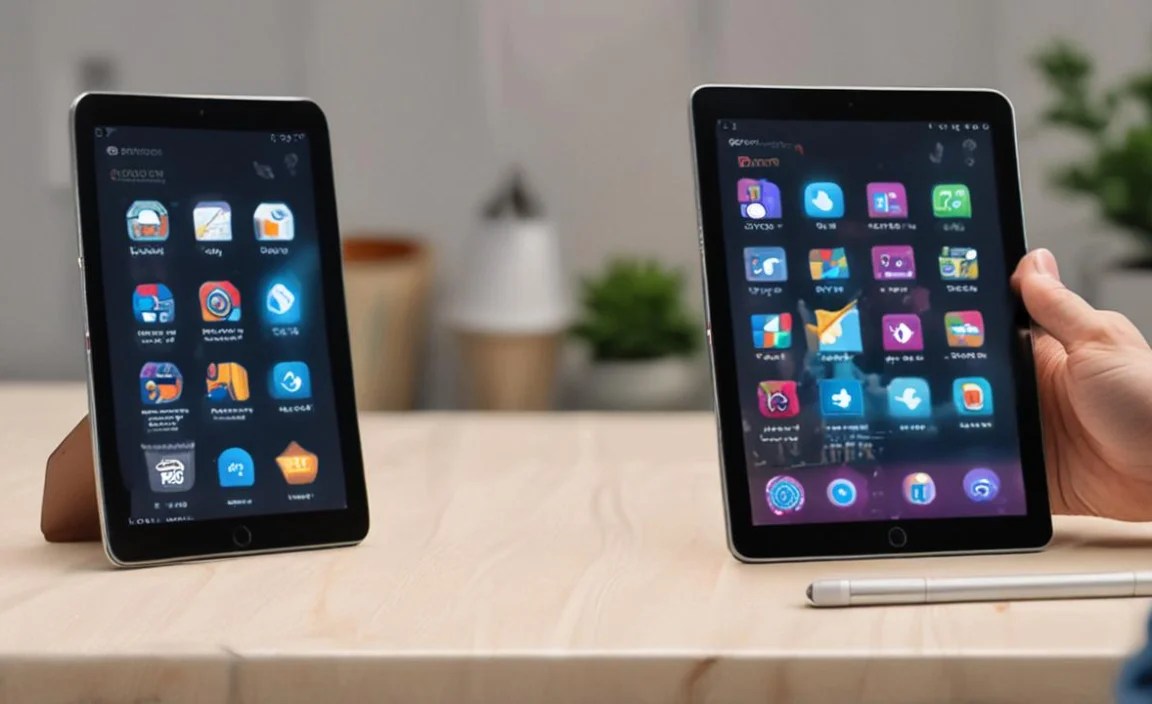
Now that we’ve looked at some of the best, how do you make the final decision? Here are a few more things to think about based on your specific business needs:
Operating System: Windows vs. iPadOS vs. Android
Windows: The most versatile for traditional business software. If you need to run specialized desktop applications, Windows is your safest bet. The Surface Pro series excels here.
iPadOS: Offers a streamlined, user-friendly experience with access to a vast library of high-quality apps. Excellent for creative work, collaboration, and general productivity. Best for those who don’t need full desktop software.
Android: Highly customizable and offers great value. Samsung’s DeX provides a desktop-like experience that bridges the gap for business users.
Your Daily Workflow
Frequent Travel? Opt for lighter, more portable devices with excellent battery life. The iPad Air or a smaller Surface Pro model might be ideal.
Heavy Multitasking? Look for larger screens and powerful processors. The Galaxy Tab S8 Ultra or an iPad Pro (12.9-inch) will serve you well.
On-the-Go Presentations? A good display and easy-to-use stylus or keyboard are paramount. The Surface Pro 9 shines here due to its built-in kickstand and Windows versatility.
* Creative Work? High-resolution displays and excellent stylus support are key. iPad Pro and Surface Pro 9 are top contenders.
Budget
Tablets range significantly in price. Determine your budget, and then see which of the top-tier options you can afford, or if a slightly older model or a more budget-friendly option (like an iPad or Galaxy Tab A-series for lighter tasks) makes more sense. Remember to factor in the cost of essential accessories like keyboards and styluses.
Accessories that Boost Productivity
Don’t underestimate the power of accessories!
- Keyboards: For faster typing and a laptop-like experience.
- Styluses: Essential for digital note-taking, annotating documents, and creative work.
-

Your tech guru in Sand City, CA, bringing you the latest insights and tips exclusively on mobile tablets. Dive into the world of sleek devices and stay ahead in the tablet game with my expert guidance. Your go-to source for all things tablet-related – let’s elevate your tech experience!
