Jump into crystal-clear video calls! Our picks for recommended tablets for video conferencing comparison highlight essential features like great cameras, powerful performance, and long battery life, making online meetings effortless and enjoyable.
Struggling to find the perfect tablet for your video calls? You’re not alone! With so many options out there, it’s easy to feel overwhelmed. You want a device that makes your online meetings look and sound great, without costing a fortune or being tricky to use. This guide is here to help you navigate the choices and find a tablet that makes chatting with colleagues, friends, or family a breeze.
The Best Tablets for Video Conferencing: Your Essential Guide

Video conferencing has become a daily reality for many of us. Whether you’re an entrepreneur leading client meetings, a student attending online lectures, or just catching up with loved ones, your tablet’s performance during these calls matters. But what makes a tablet great for video conferencing? It’s a blend of features that ensure you’re seen and heard clearly, without any annoying glitches or lag. We’ve dived deep into what really counts, so you can make a confident choice.
What Makes a Tablet Great for Video Conferencing?
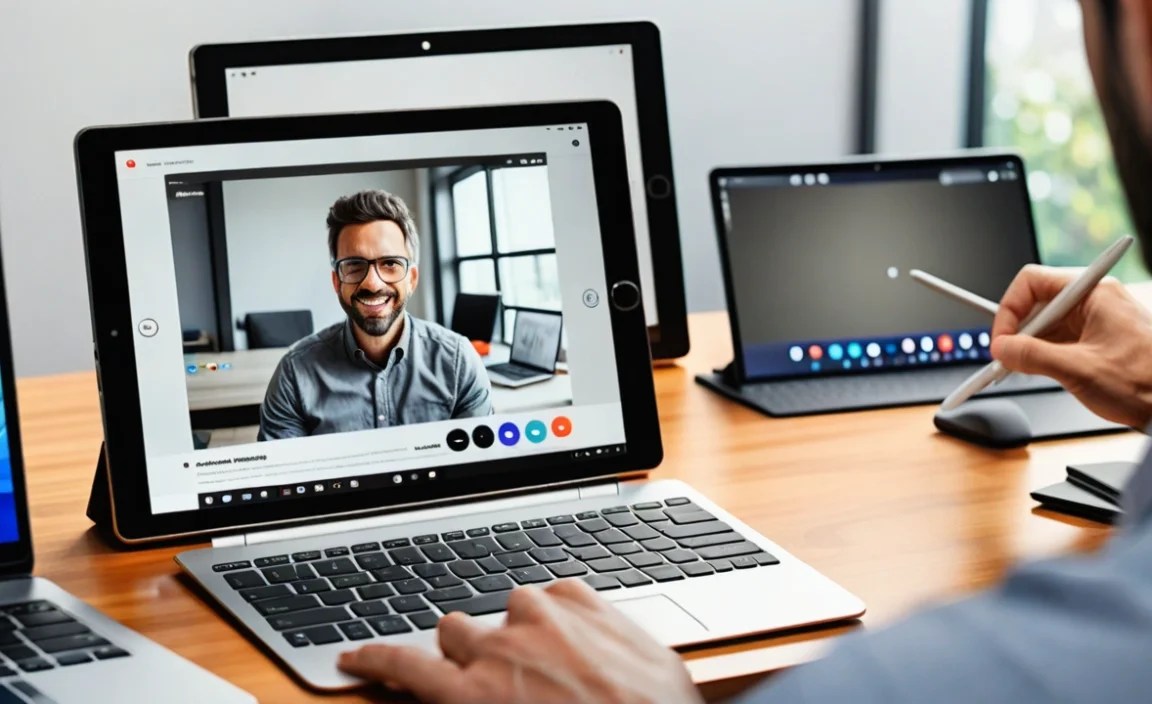
Before we dive into specific recommendations, let’s break down the key features that make a tablet shine for video calls. Think of these as your checklist:
1. Front-Facing Camera Quality
This is arguably the most crucial feature. A good front camera means you’ll look sharp and clear to others. Look for tablets with at least a 5-megapixel (MP) front camera, but 8MP or higher is even better. Features like good low-light performance and wide-angle lenses can also make a big difference, especially if you have multiple people on screen or are in a dimly lit room.
2. Microphone and Speaker Quality
It’s not just about looking good; sounding good is equally important! A tablet with clear microphones that pick up your voice without too much background noise is essential. Good speakers ensure you can hear others without straining. Some tablets even come with multiple microphones for better audio capture.
3. Processor and RAM
To keep your video call running smoothly without freezing or dropping frames, a decent processor (like a Qualcomm Snapdragon, Apple A-series, or MediaTek Dimensity chip) and sufficient RAM (4GB is a good minimum, 6GB or 8GB is ideal) are vital. This ensures the video conferencing app runs efficiently alongside other tasks.
4. Screen Size and Resolution
While not as critical as the camera or audio, a good screen makes the experience more pleasant. A larger screen (around 10 inches or more) can feel more immersive. A higher resolution, like Full HD (1080p) or better, means sharper video playback and a clearer image of who you’re talking to.
5. Battery Life
Long video calls can drain battery life quickly. Look for tablets with batteries that can last at least 8-10 hours on a single charge so you can participate in extended meetings without constantly searching for a power outlet.
6. Connectivity (Wi-Fi/Optional Cellular)
A stable Wi-Fi connection is a must. If you plan to take calls in places without reliable Wi-Fi, consider a tablet with cellular (LTE/5G) capabilities. This offers more flexibility but comes at a higher cost.
Recommended Tablets for Video Conferencing Comparison

Now that we know what to look for, let’s explore some top contenders. We’ve chosen a mix of options to suit different needs and budgets.
1. Apple iPad Air (M2, 2024) – The Premium All-Rounder
For those who want a top-tier experience with excellent integration into the Apple ecosystem, the iPad Air is a superb choice. It boasts a fantastic front camera and a powerful processor that handles demanding apps with ease. The Liquid Retina display is gorgeous for both viewing participants and showcasing presentations.
- Front Camera: 12MP Ultra Wide camera with Center Stage
- Processor: Apple M2 chip
- Display: 10.9-inch Liquid Retina display
- Battery Life: Up to 10 hours of surfing the web on Wi-Fi
- Pros: Exceptional performance, excellent camera with Center Stage to keep you in frame, high-quality build, access to a vast app library, great for multitasking.
- Cons: Can be pricier than Android alternatives, accessories like Apple Pencil and Magic Keyboard are additional costs.
2. Samsung Galaxy Tab S9 FE – The Value-Packed Android Option
Samsung consistently delivers quality Android tablets, and the Galaxy Tab S9 FE is a standout for its balance of features and price. It offers a capable front camera and a vibrant display, making it ideal for everyday video calls and productivity. Plus, it comes with the S Pen, which can be handy for quick notes during a call.
- Front Camera: 12MP Ultra-Wide Front Camera
- Processor: MediaTek Dimensity 930 (or similar)
- Display: 10.9-inch LCD display
- Battery Life: Up to 18 hours of video playback (estimated)
- Pros: Excellent value for money, includes S Pen, good display quality, decent performance, expandable storage.
- Cons: Processor might not be as powerful as high-end iPads for very intensive multitasking, occasional software quirks.
3. Microsoft Surface Go 3 – The Windows Hybrid
If you live and breathe Windows, the Surface Go 3 offers a familiar environment. It’s a compact 2-in-1 device that runs a full version of Windows, giving you access to desktop applications. Its 1080p front-facing camera is designed for clear video calls, and its portability is a major plus for mobile professionals.
- Front Camera: 5MP Intel® HD Graphics camera with Windows Hello face authentication.
- Processor: Intel® Pentium® Gold or Intel® Core™ i3 processor
- Display: 10.5-inch PixelSense™ display
- Battery Life: Up to 11 hours
- Pros: Full Windows experience, excellent portability, familiar interface for Windows users, good for multitasking with desktop apps.
- Cons: Base models can feel a bit underpowered, often requires purchasing the Type Cover keyboard separately for a true laptop-like experience.
4. Amazon Fire HD 10 (3rd Gen, 2023) – The Budget-Friendly Choice
For those on a tighter budget, the Amazon Fire HD 10 offers surprisingly good performance for video conferencing. While its camera isn’t top-of-the-line, it’s more than adequate for casual calls. The large display and long battery life make it a great value option for everyday use and staying connected.
- Front Camera: 5MP Front-facing camera
- Processor: Octa-core 2.0 GHz
- Display: 10.1-inch Full HD display
- Battery Life: Up to 13 hours
- Pros: Very affordable, good battery life, bright Full HD display, integrates well with Amazon services, decent for basic video calls.
- Cons: Amazon Appstore limits app selection compared to Google Play Store or Apple App Store, camera quality is basic.
Comparison Table: Key Features at a Glance
To help you make a quick comparison, here’s a table summarizing the key aspects of our recommended tablets for video conferencing:
| Feature | Apple iPad Air (M2) | Samsung Galaxy Tab S9 FE | Microsoft Surface Go 3 | Amazon Fire HD 10 |
|---|---|---|---|---|
| Front Camera | 12MP Ultra Wide with Center Stage | 12MP Ultra-Wide | 5MP Intel HD Graphics | 5MP |
| Processor | Apple M2 | MediaTek Dimensity 930 | Intel Core i3 (or Pentium Gold) | Octa-core 2.0 GHz |
| Display Size | 10.9 inches | 10.9 inches | 10.5 inches | 10.1 inches |
| Display Resolution | 2360 x 1640 | 2304 x 1440 | 1920 x 1280 | 1920 x 1200 |
| Operating System | iPadOS | Android | Windows | Fire OS (based on Android) |
| S Pen Included? | No (Sold Separately) | Yes | No (Sold Separately) | No |
| Starting Price (Approx.) | $599 | $449 | $399 | $149 |
Setting Up Your Tablet for the Best Video Conferencing Experience
Once you’ve picked your perfect tablet, a few simple steps can ensure your video calls are as smooth as possible:
- Update Your Software & Apps: Always keep your tablet’s operating system and your video conferencing apps (like Zoom, Google Meet, Microsoft Teams) up to date. Updates often include performance improvements and bug fixes.
- Optimize Your Internet Connection: A strong and stable Wi-Fi is paramount. If possible, position yourself close to your router or use a Wi-Fi extender. Consider closing other bandwidth-heavy applications on your tablet or home network during important calls. For more on improving Wi-Fi, check out this guide from the FTC.
- Adjust Your Environment:
- Lighting: Position yourself facing a light source (like a window or a lamp). Avoid having bright lights directly behind you, as this can make you appear as a silhouette.
- Audio: Find a quiet space with minimal background noise. Consider using headphones with a built-in microphone, as they can often improve audio clarity and reduce echo.
- Camera Angle: Position your tablet so the camera is roughly at eye level. This provides a more natural and engaging perspective for those you’re video conferencing with.
- Familiarize Yourself with Your Chosen App: Most video conferencing apps have features for testing your microphone and camera before joining a call. Spend a few minutes learning how to mute/unmute yourself, turn your camera on/off, and access settings. If you use Google Meet, you can find helpful tips here.
- Manage Battery Life: If you anticipate a long call, ensure your tablet is fully charged or plugged in. You can also reduce screen brightness slightly or close unnecessary background apps to conserve power.
Frequently Asked Questions (FAQ)
What is the best tablet for video calls if budget is my main concern?
The Amazon Fire HD 10 (3rd Gen, 2023) is an excellent choice for budget-conscious users. It offers a large Full HD screen, good battery life, and is perfectly capable for casual video conferencing at a very attractive price point.
Do I need a tablet with a high refresh rate screen for video conferencing?
No, a high refresh rate (like 120Hz) isn’t essential for video conferencing. While it makes scrolling and animations smoother, the primary needs for video calls are a good camera, clear audio, and stable performance. Standard 60Hz screens are more than sufficient.
Can I use a tablet for professional meetings?
Absolutely! Tablets like the Apple iPad Air or Samsung Galaxy Tab S9 FE are more than capable of handling professional video meetings. Their higher-quality cameras, processors, and displays make them ideal for business use. The Microsoft Surface Go 3 is also a strong contender for professionals who prefer Windows.
How important is the processor for video conferencing?
The processor is quite important. A more powerful processor ensures that the video conferencing app runs smoothly without lagging or stuttering. It also helps if you plan to multitask, like taking notes or viewing documents while on a call. For casual use, a mid-range processor is fine, but for professional or frequent use, aim for a more robust chip.
What are the advantages of having a tablet with a cellular (LTE/5G) connection for video conferencing?
A cellular connection provides flexibility. It allows you to join video calls from anywhere with a signal, even if Wi-Fi isn’t available or is unreliable. This is particularly useful for people who travel frequently or work from various locations.
Is the front camera the only camera I should worry about for video calls?
For video conferencing, the front-facing camera is paramount. However, many tablets also have capable rear cameras that could be used in a pinch if you need to show something physically present, though this is not their primary function for calls.
Conclusion
Choosing the right tablet for video conferencing doesn’t have to be a challenge. By focusing on essential features like camera quality, audio, performance, and battery life, you can find a device that enhances your online communication experience. Whether you lean towards the premium Apple ecosystem, the versatile Android world, the productivity-focused Windows, or a budget-friendly option, there’s a tablet out there designed to keep you connected and looking your best. Now go ahead, pick your perfect match, and make your next video call your best one yet!

Your tech guru in Sand City, CA, bringing you the latest insights and tips exclusively on mobile tablets. Dive into the world of sleek devices and stay ahead in the tablet game with my expert guidance. Your go-to source for all things tablet-related – let’s elevate your tech experience!